.jpg)

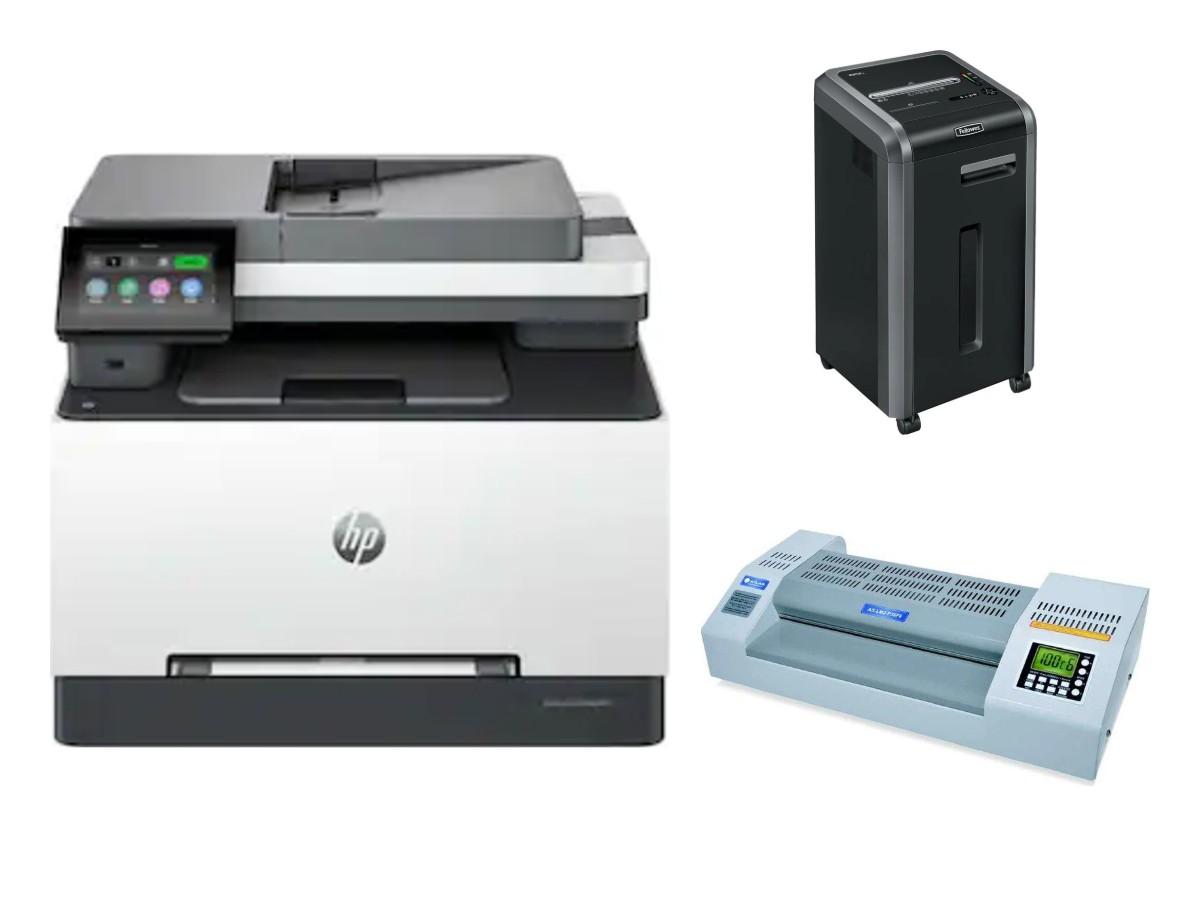
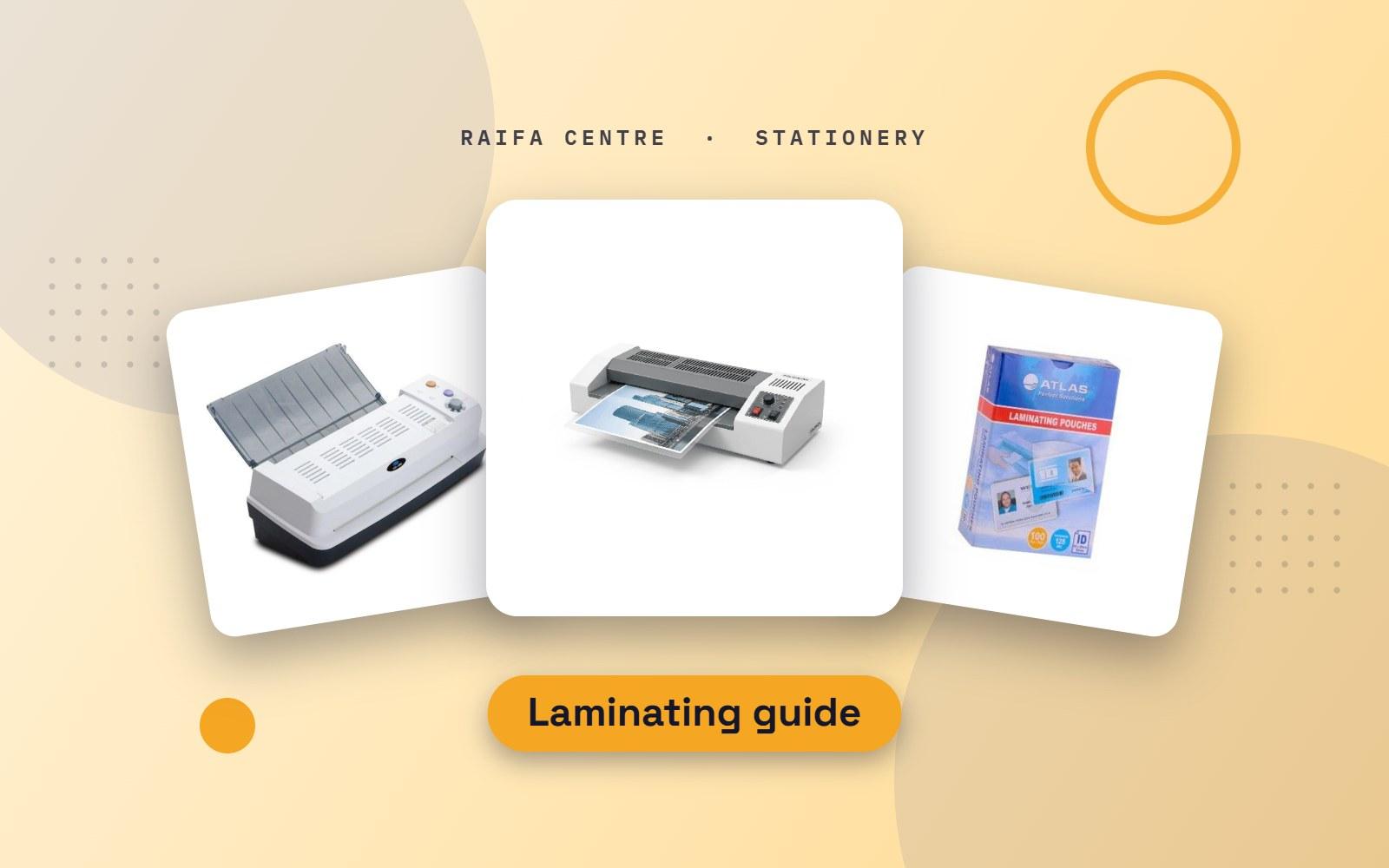
Lamination protects paper from water, dust, tearing and finger marks. Restaurants laminate menus. Schools laminate flashcards and classroom charts. Offices and shops laminate notices, price lists and safety signs. A small machine on the desk does all of this in a minute. Here is how to choose one, and the right pouches for it.
How a pouch laminator works
A laminating pouch is two clear plastic sheets joined along one edge. You put your paper inside and feed the pouch through the machine. Hot rollers melt the glue and press the pouch shut around the paper.
A4 or A3 machine?
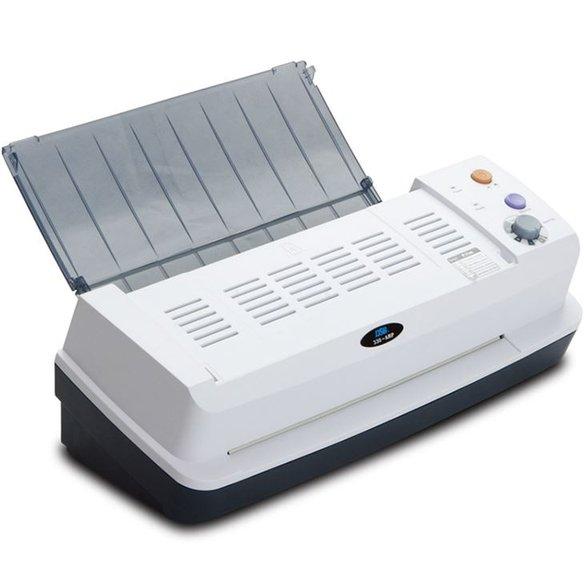
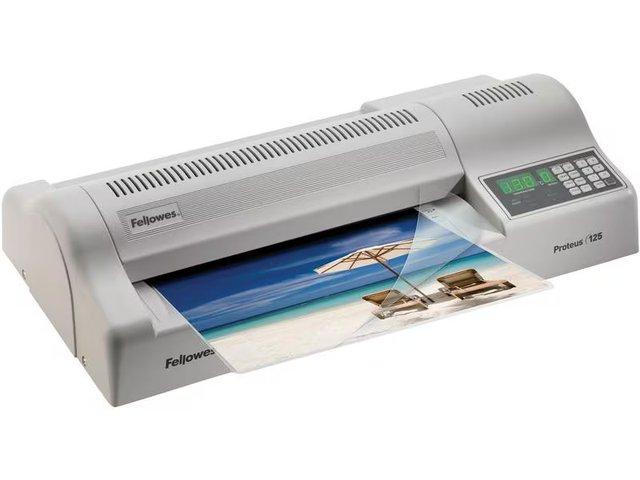
- A4 machine: takes pouches up to A4 size. Small and light. Enough for a home, a small shop or one desk.
- A3 machine: takes A3 and every smaller size. Choose this for a school, a restaurant or a busy office, where posters, charts and large menus are common.
See our laminating machines.
Pouch sizes
A pouch is always a little bigger than the paper, so the edges can seal. Buy the pouch by the name of the paper size.
| Pouch | Use it for |
|---|---|
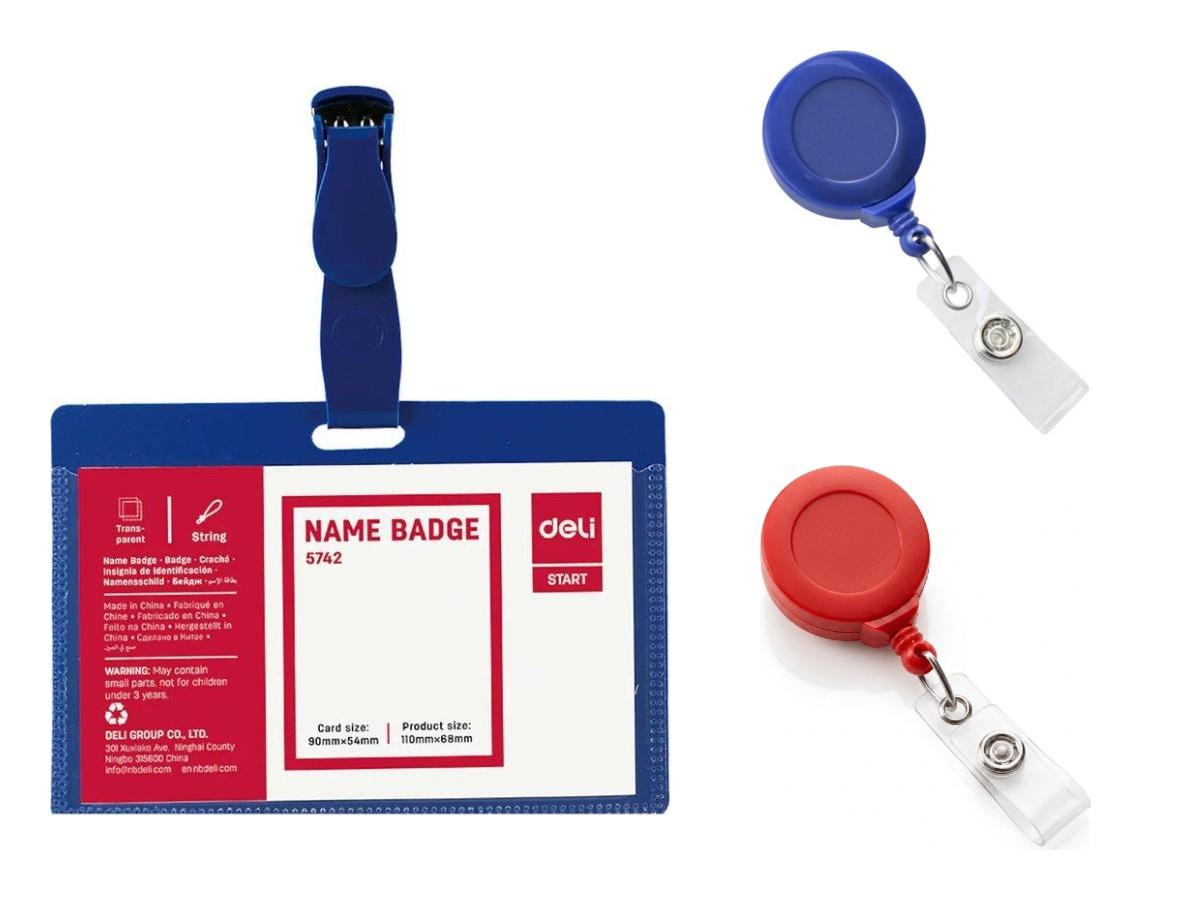
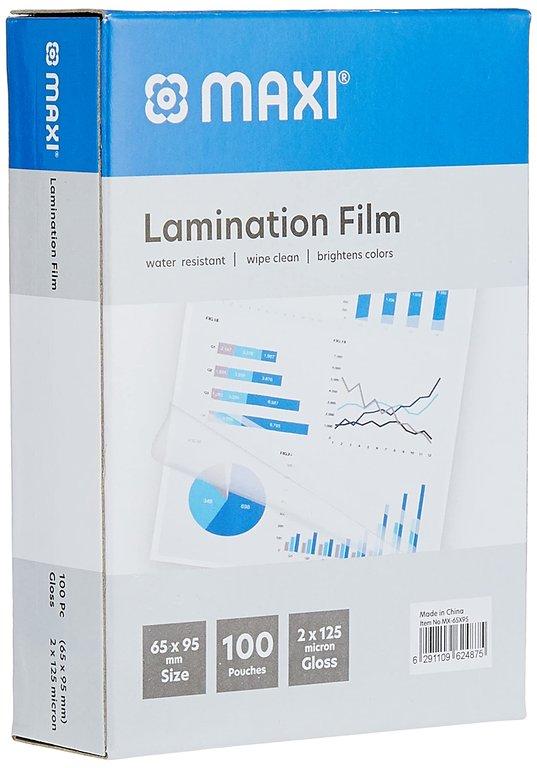
| ID size (65 × 95 mm) | ID cards, name cards, small tags |
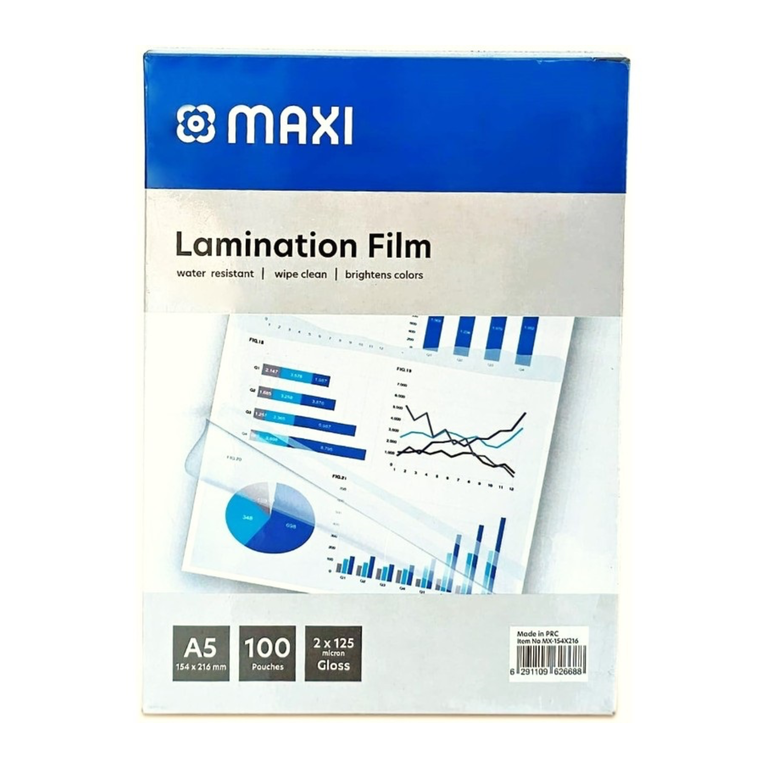
| A5 | Table signs, small notices, recipe cards |
| A4 | Menus, certificate copies, price lists, notices |
| A3 | Posters, classroom charts, large menus |
What does 125 micron mean?
Micron is the thickness of the plastic. A higher number gives a stiffer, stronger result. The number is for one side of the pouch.
125 micron is a strong, stiff pouch. It is a good choice for menus, ID cards and signs that people handle every day. Thinner pouches bend more easily and suit pages that stay in a file.
Every machine has a maximum pouch thickness. Check it on the machine or the box before you buy thick pouches. See our 125 micron laminating pouches.
How to laminate without bubbles
- Switch on the machine and wait for the ready light.
- Place the paper inside the pouch with an even border all round.
- Feed the sealed edge first, straight into the machine.
- Let the pouch come out by itself. Lay it flat until it cools.
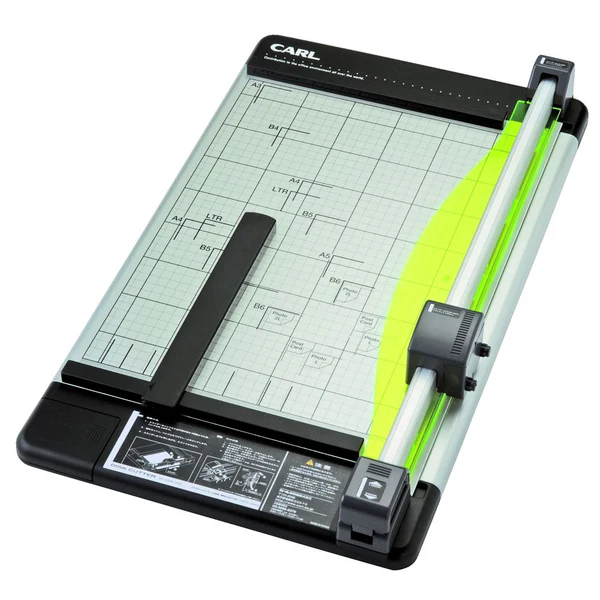
- Trim after laminating, not before. Leave a few millimetres of clear plastic around the paper so it stays sealed. A paper cutter gives a straight edge.
What not to laminate
- Thermal receipts. The heat turns them black.
- Original certificates and official documents. A laminated original can cause problems when it needs to be stamped or attested. Laminate a copy instead.
- Fresh inkjet prints. Let the ink dry fully first.
Only a few pages?
If you laminate only now and then, you do not need a machine. Our printing team offers hard lamination. Message the printing desk on WhatsApp.
Order a laminator or pouches
Browse laminators and other office equipment in the shop, or message us on WhatsApp with the size you need. Raifa Centre delivers across Qatar and accepts cash on delivery. Setting up a new office? See our office stationery checklist.
 (1).png)
d8f798.jpg)
.jpg)
.jpg)
.jpg)