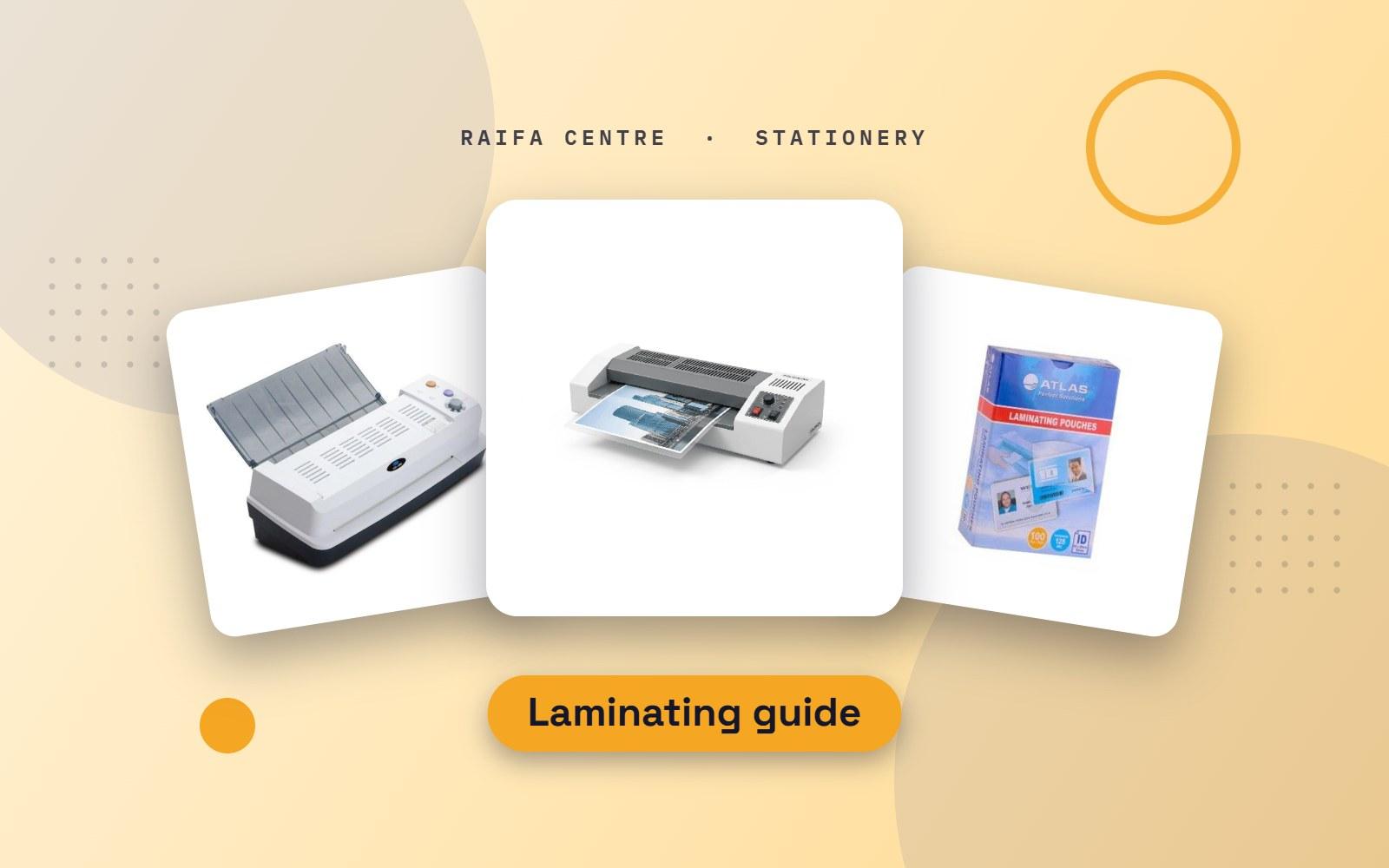
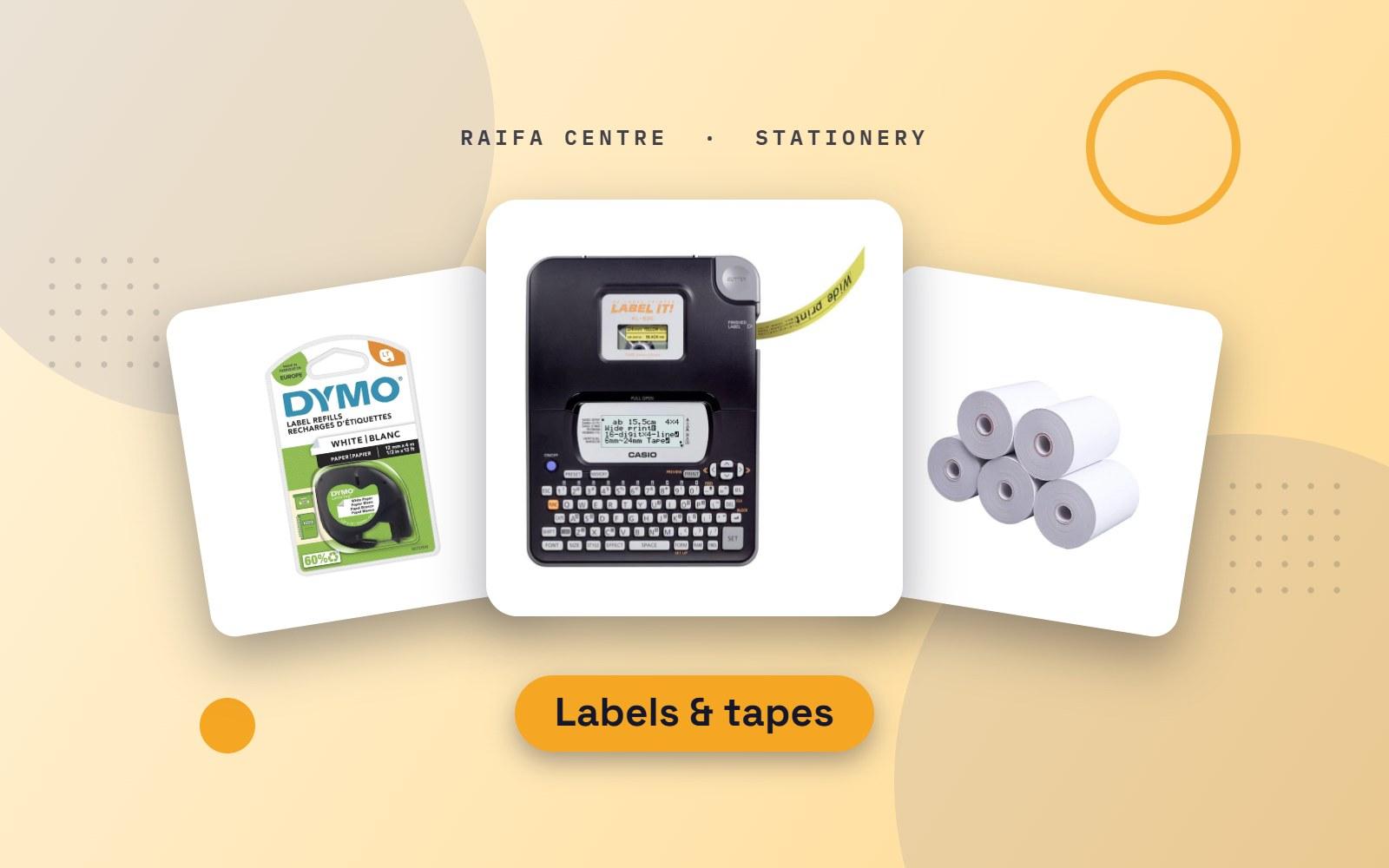
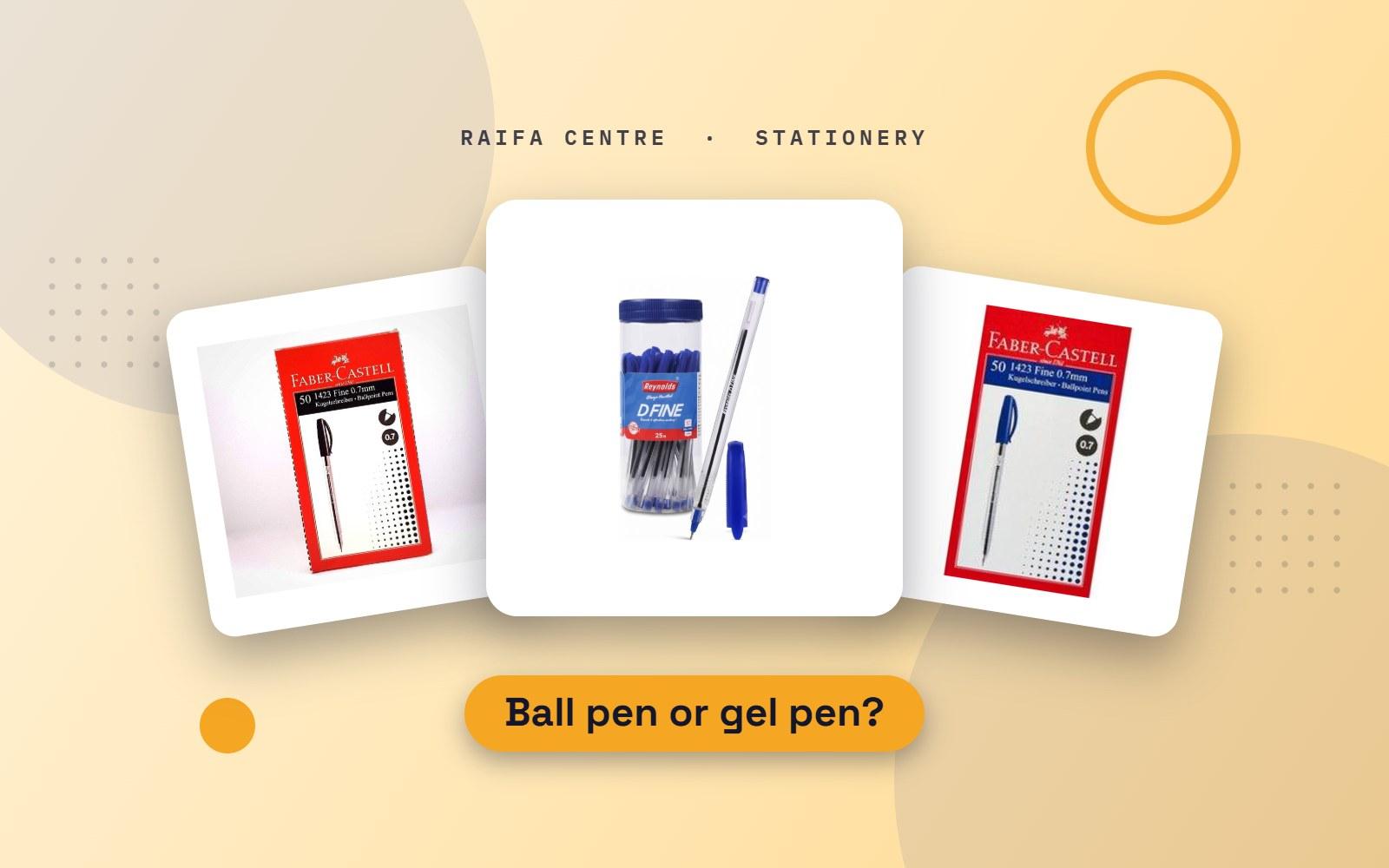
.jpg)

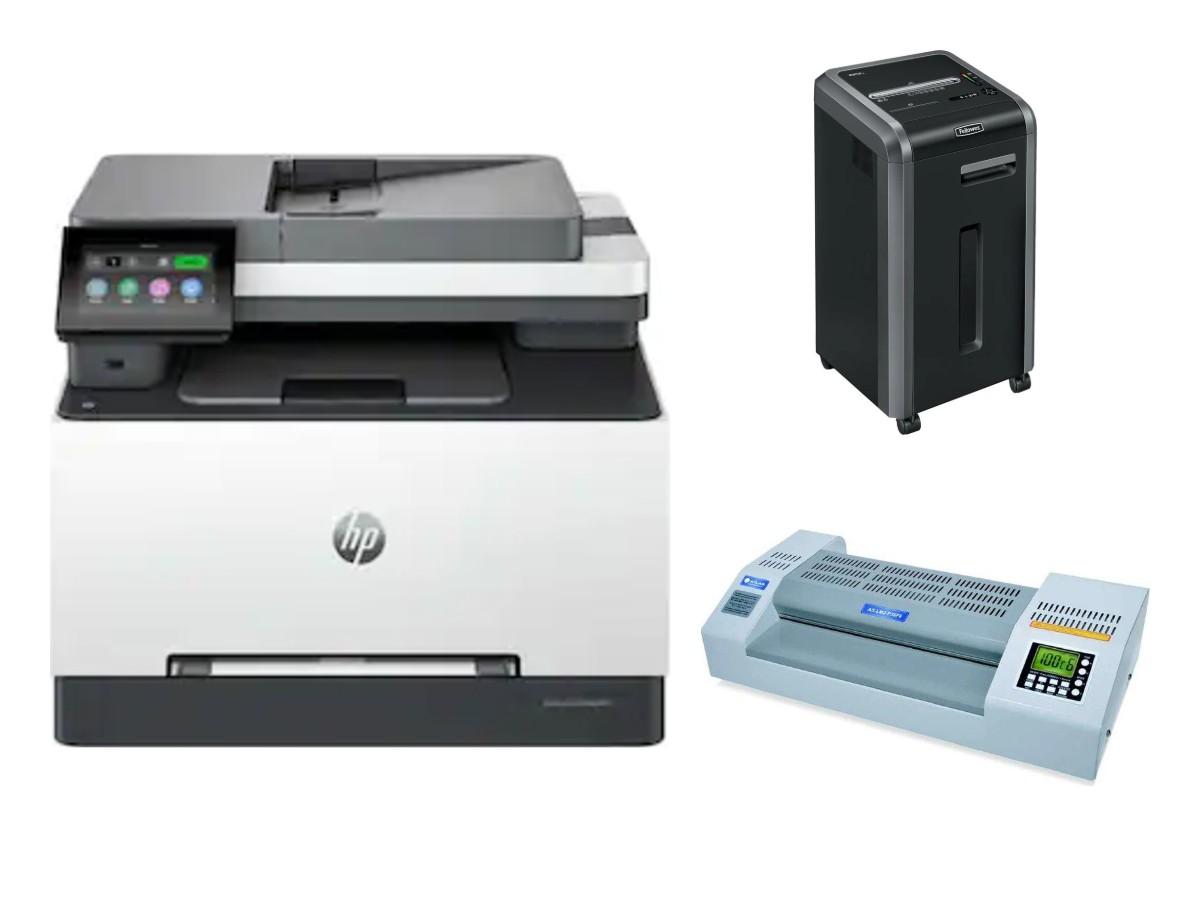

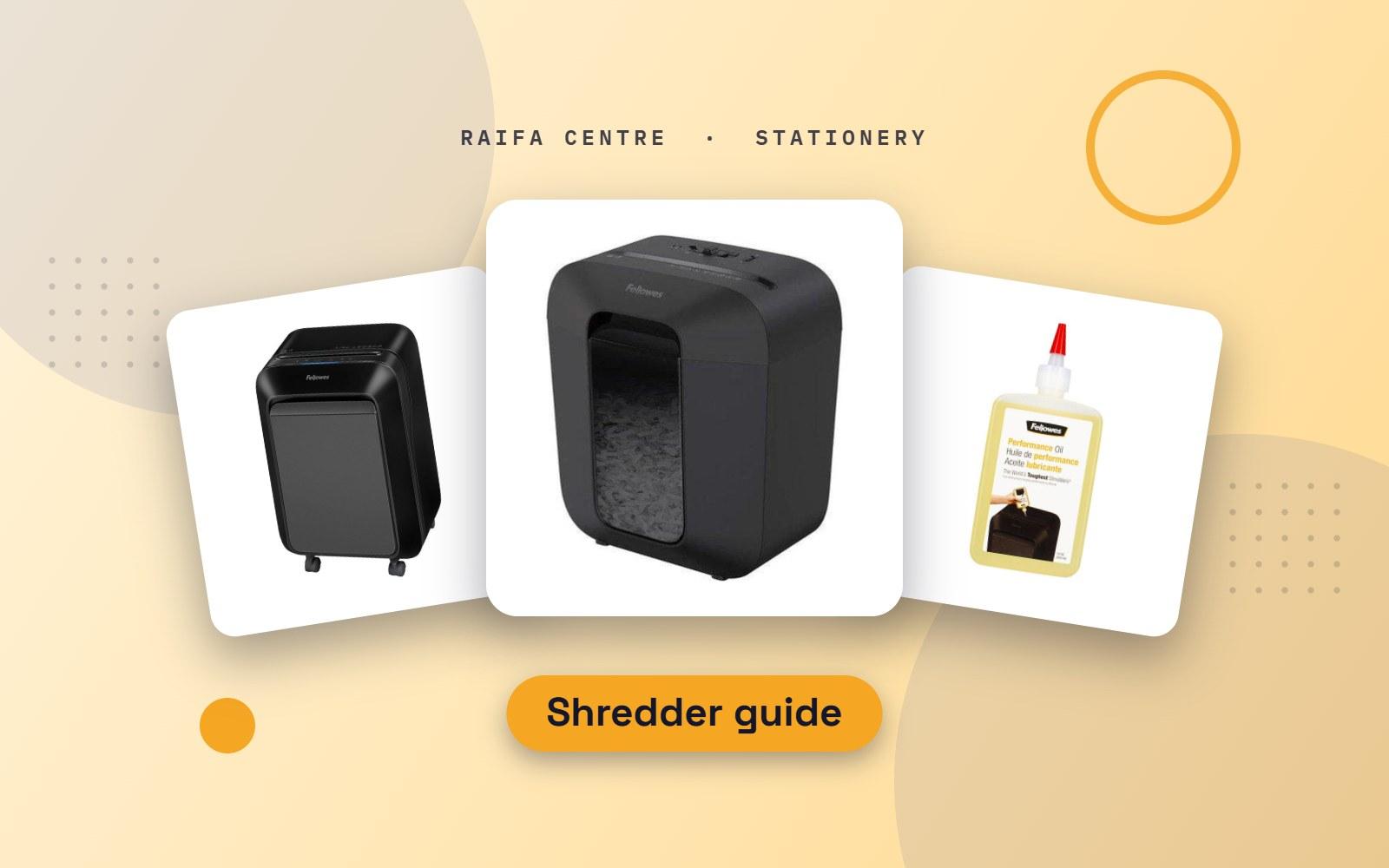
Old invoices, salary sheets, bank letters, copies of IDs and passports: every office throws away paper that should not be read by anyone else. A shredder is the simple way to deal with it. The models look alike, but three things separate them: how small they cut, how much they take at once, and how long they can run.
How small does it cut?
- Strip-cut slices the page into long ribbons. It is fast and low-cost, but the strips can be read if someone puts them side by side. Fine for general waste paper.
- Cross-cut cuts both ways into small pieces. This is the right choice for most offices and for anything with names, numbers or signatures.
- Micro-cut turns a page into tiny particles. Choose it for HR, finance, legal and medical records.
Shredders are rated by security level from P-1 to P-7. Strip-cut is usually P-2, cross-cut P-4 and micro-cut P-5 or higher. For office documents, P-4 is the sensible minimum.
How much paper, and how many people?
| Type | Good for |
|---|---|
| Personal | One desk or a home office. A few sheets at a time, short runs |
| Small office | Three to five people sharing. More sheets per pass and a bigger bin |
| Departmental | A whole floor. Runs for long periods without stopping |
| Auto-feed | Load a stack, close the lid and walk away |
Two numbers on the box matter most:
- Sheet capacity: how many sheets it takes in one pass. Feeding more than this is the main cause of jams.
- Run time: how long it works before it must cool down. Small models run for a few minutes, then rest. If you shred a full box of files at year end, choose a machine with a long or continuous run time.
Other things worth having
- A pull-out bin with a window, so emptying is clean and you can see when it is full.
- Reverse to clear a jam.
- A safety stop when hands touch the opening. Important in offices and homes with children.
- The ability to take staples, paper clips and cards, so you do not have to prepare every page.
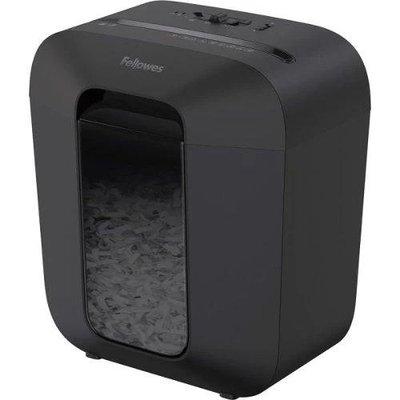
Our shredder range runs from personal Fellowes models to Kobra and auto-feed machines for busy departments.
Keep it running: oil it
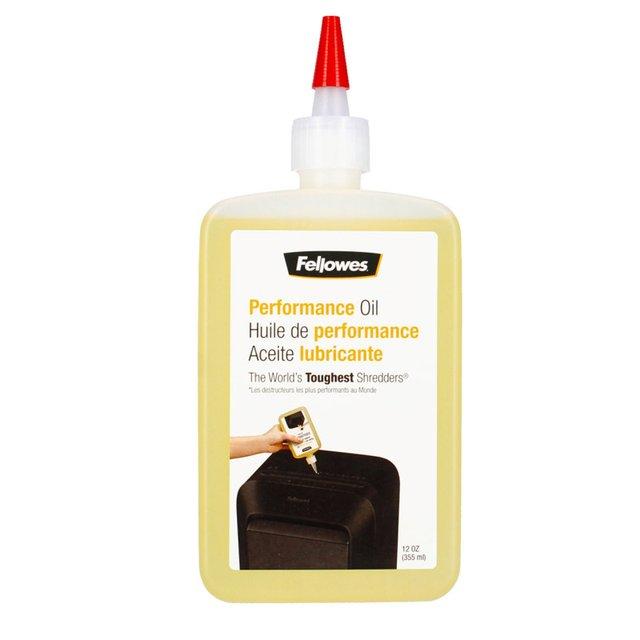
Cross-cut and micro-cut blades need oil. Without it they slow down, get louder and jam. Put a few lines of shredder oil across a sheet of paper and feed it through, then run the machine in reverse for a few seconds. Do this each time you empty the bin, or once a month with light use. Use shredder oil only; other oils and sprays can damage the machine.
How to avoid jams
- Feed fewer sheets than the maximum, especially with thick paper.
- Feed paper straight, in the middle of the slot.
- Empty the bin before it is packed full. A full bin pushes paper back into the blades.
- Let the machine rest when it stops. It is cooling, not broken.
- Remove plastic covers, tape and anything sticky before shredding.
What should an office shred?
Anything with a name and a number together: salary slips, bank statements, cheque copies, ID and passport copies, old contracts, customer lists and printed emails. Follow your company's rules for how long records must be kept before you destroy them.
Order a shredder
Tell us how many people will use it and how much you shred in a week, and we will suggest a model. Message us on WhatsApp or see Office Equipment in the shop, where you will also find laminators and binding machines.
.jpg)