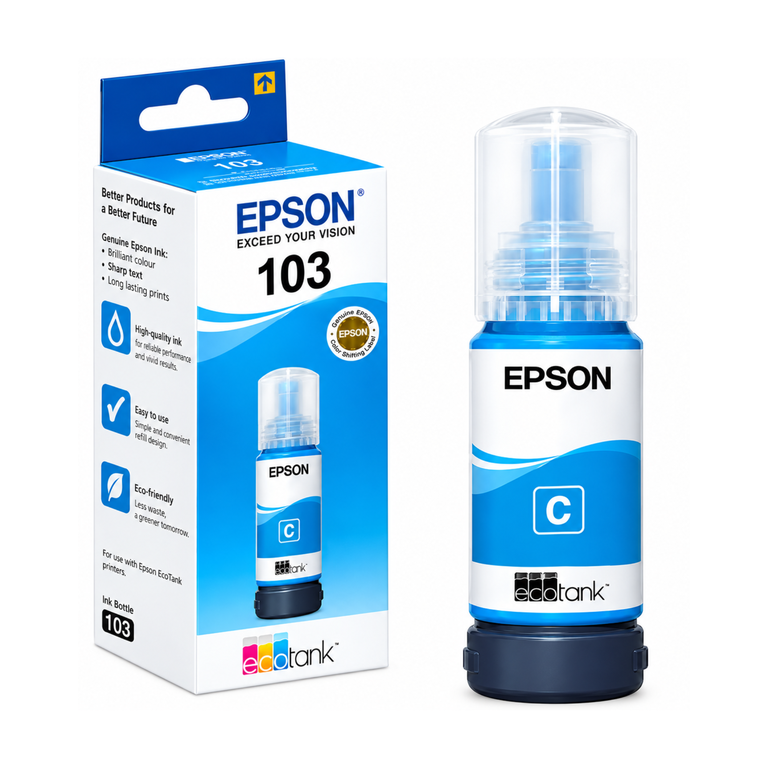
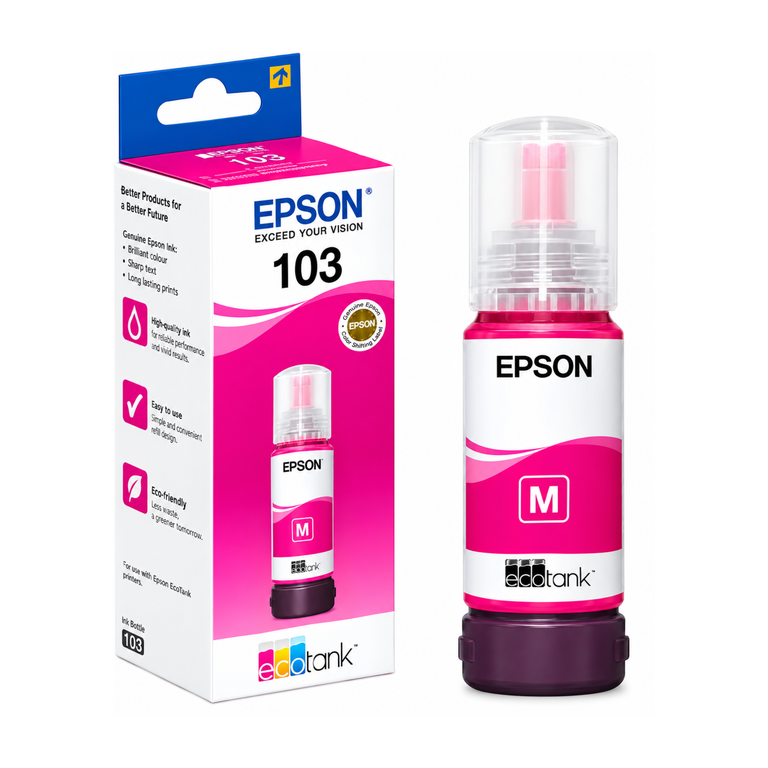
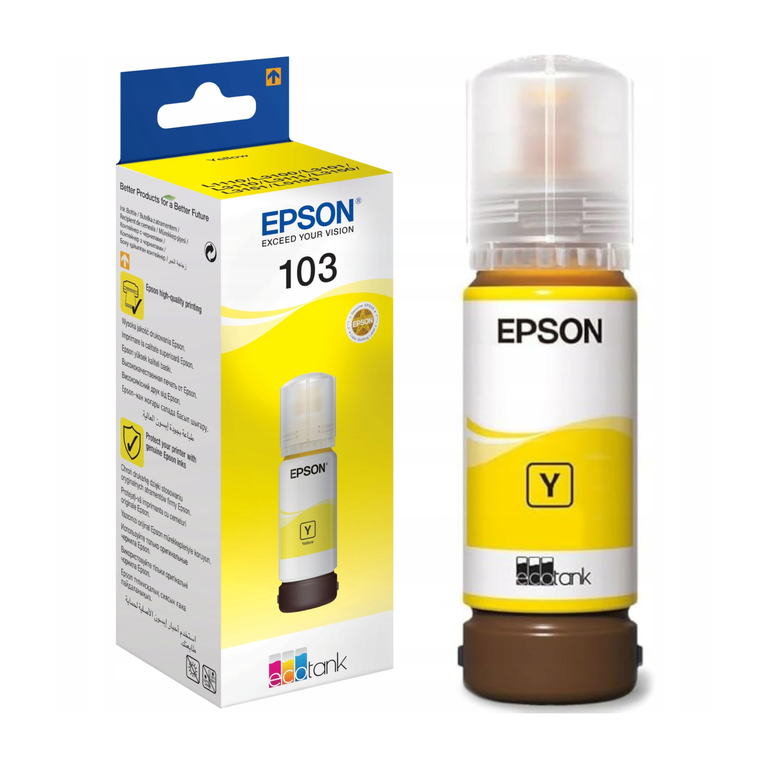
.jpg)


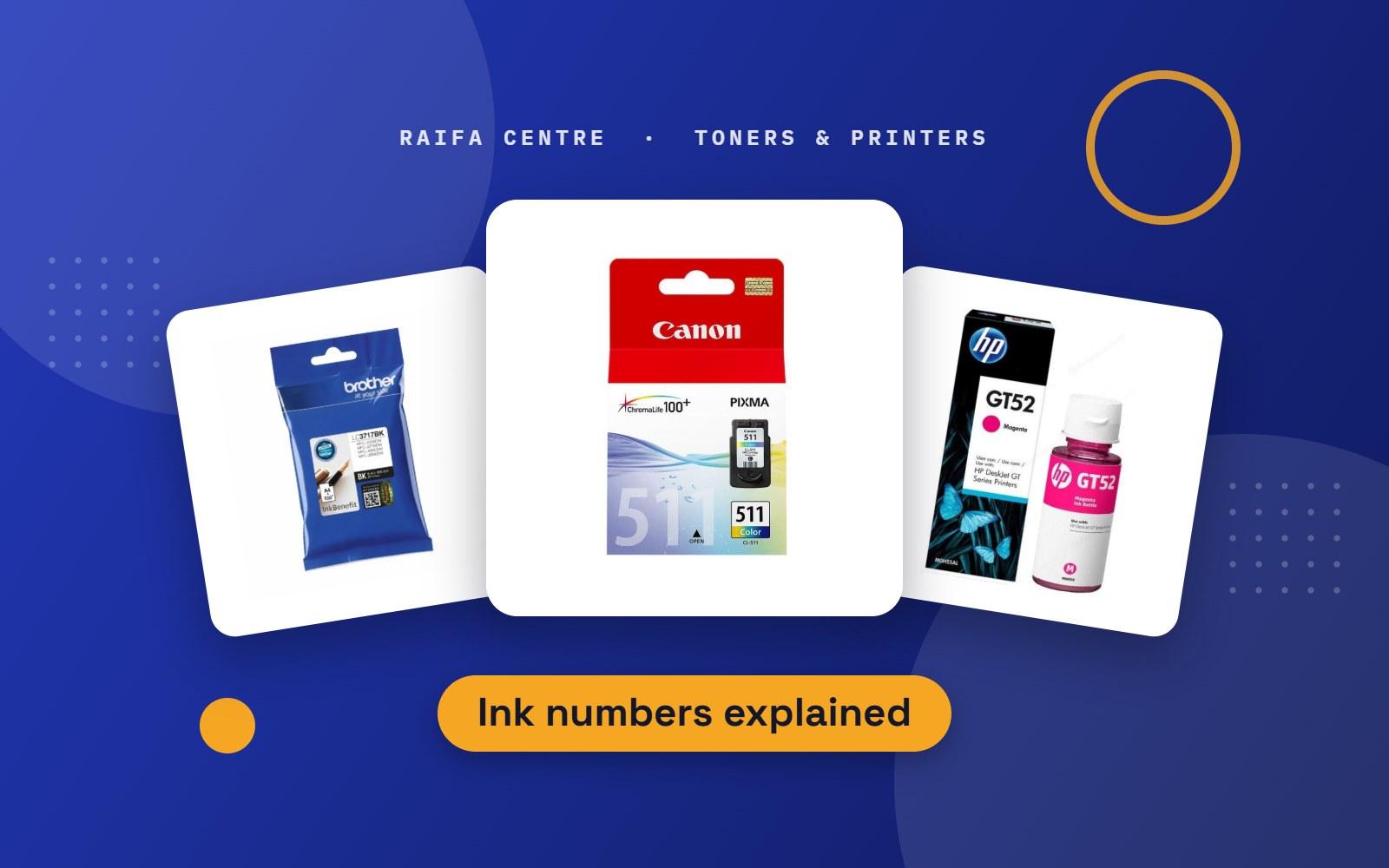
Inkjet cartridges are sold by number, and the number has nothing to do with the name of the printer. That is why so many people come to our counter with the wrong box. This guide shows you how to find your number and what the letters after it mean.
How to find your cartridge number
- Open the printer cover and wait for the cartridges to move to the middle. The number is on the label of each one.
- Look for a sticker inside the cover that lists the cartridge numbers.
- Check the printer's ink level screen on your computer or in the printer's app.
Write the number down with the colour, for example "HP 305 black".
Popular ink cartridges and the printers they fit
These are in our shop. Always match the number on your old cartridge before you buy.
| Cartridge | Fits these printers |
|---|---|
| HP 305 | HP DeskJet 2320, 2710, 2720, 4120 |
| HP 123 | HP DeskJet 2130, 2620, 2630 |
| HP 652 | HP DeskJet Ink Advantage 1115, 2135, 3635, 3835 |
| HP 953 and 953XL | HP OfficeJet Pro 8210, 8710, 8720, 8730 |
| HP 963XL | HP OfficeJet Pro 9010, 9012, 9020, 9023 |
| HP 912XL | HP OfficeJet Pro 8012, 8013, 8022, 8023 |
| Canon PG-445 and CL-446 | Canon PIXMA MG2440, MG2540, MG2940, MG3040, TS3140 |
| Canon PG-440 and CL-441 | Canon PIXMA MG2140, MG3140, MG3540, MG3640 |
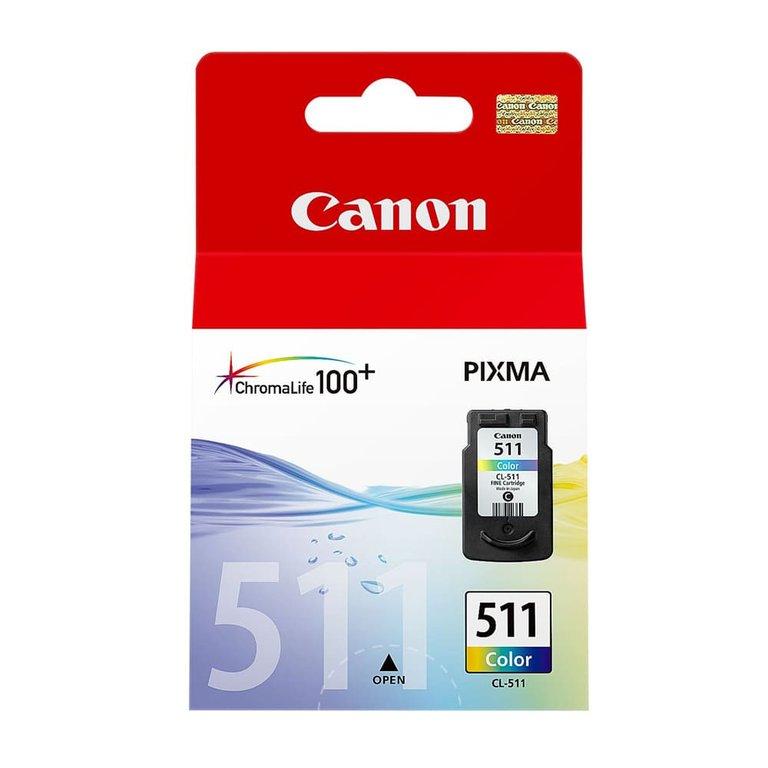
| Canon PG-510 and CL-511 | Canon PIXMA MP250, MP280, iP2700 |
What does XL mean?
An XL cartridge is the same size on the outside and fits the same printer, but it holds more ink. It costs more per cartridge and less per page. If you print every week, buy XL. If you print a few pages a month, the standard size is enough, because ink that sits for a long time can dry before you use it.
Black and tri-colour
Small home printers usually take two cartridges: one black, and one tri-colour that holds cyan, magenta and yellow together. When one colour in a tri-colour cartridge runs out, the whole cartridge must be replaced, even if the other two colours are left.
Office inkjets use four separate cartridges, so you replace only the colour that is empty. That is one reason they cost less to run.
How to stop ink from drying out
- Print one colour page every week. This keeps ink moving through the print head.
- Switch off with the power button, not at the wall. The printer parks and seals the cartridges when it shuts down properly.
- Keep spare cartridges sealed and stored in a cool room, not in a car or near a window.
- Check the date on the box. Do not buy more spares than you will use in a few months.
If prints come out with lines or missing colours after a long break, run the "clean print head" function from the printer menu once or twice before replacing anything.
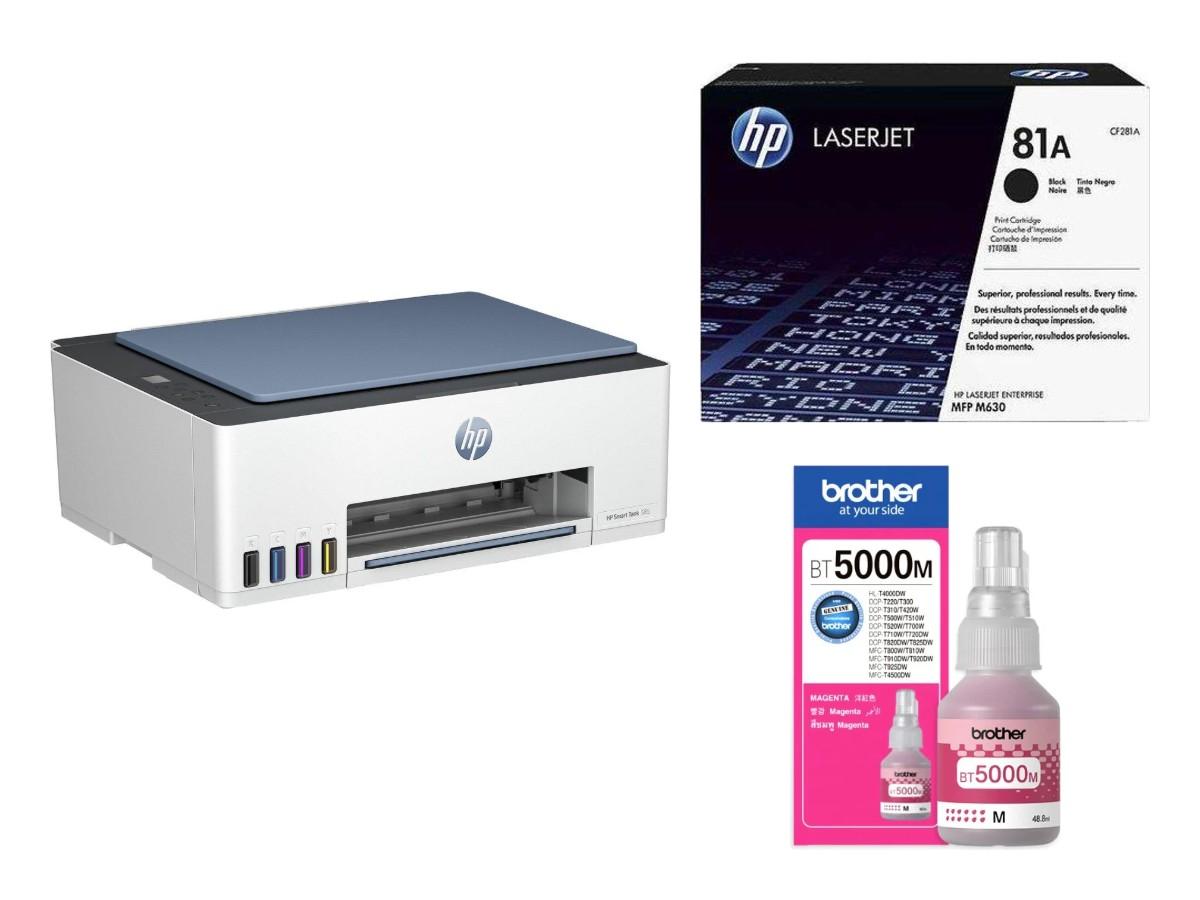
Printing a lot? Look at an ink tank printer
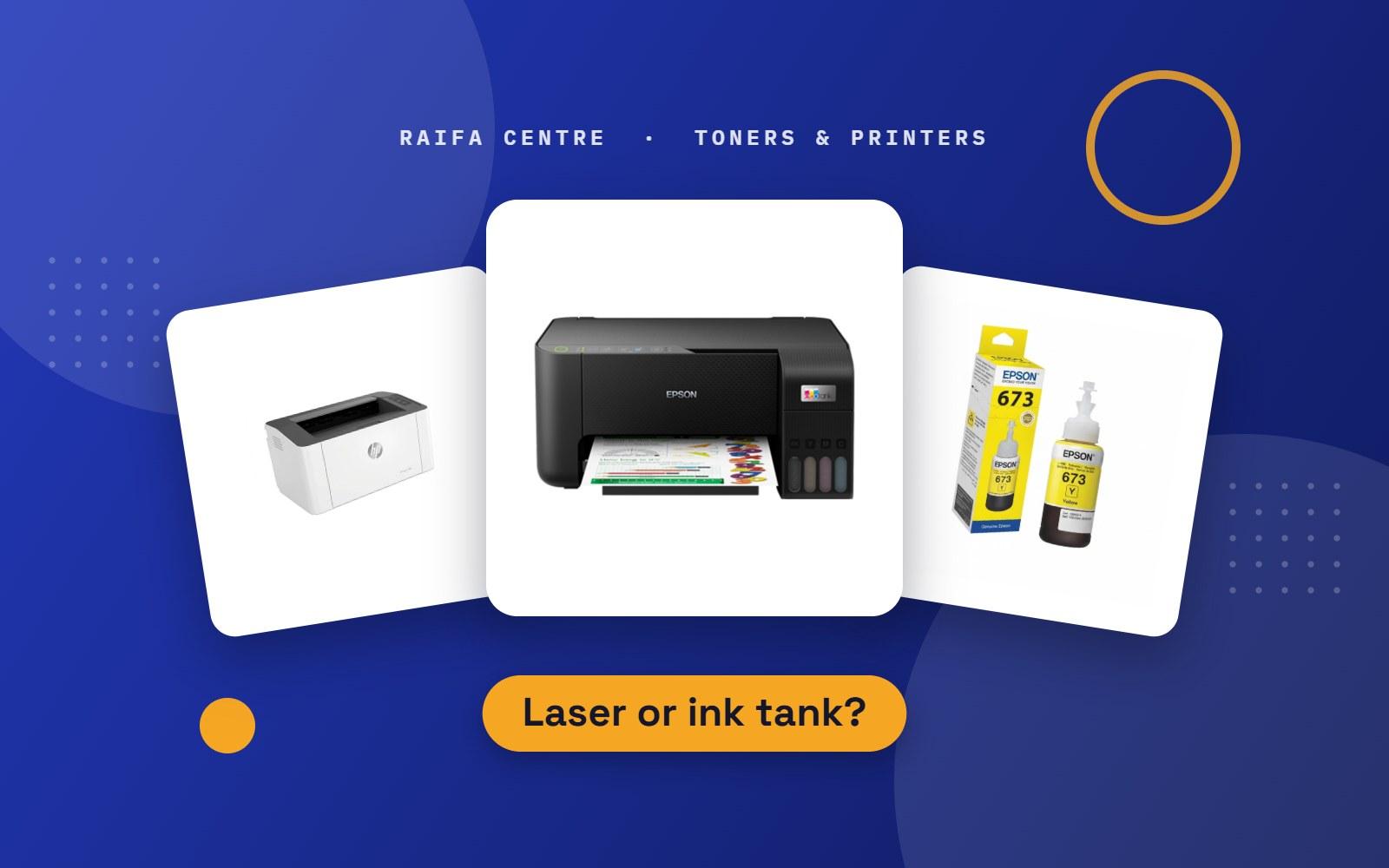
If you replace cartridges every month, an ink tank printer that refills from bottles will cost far less per page. We compare the options in laser or ink tank printer: which one is right for you?
Not sure which one?
Take a photo of your old cartridge or of the printer's model name and send it to us on WhatsApp. For laser printers, see which toner does my printer use? You can browse all printers, ink and toner in the shop.
.png)
.png)
.png)
.png)
.jpg)
.png)
.png)