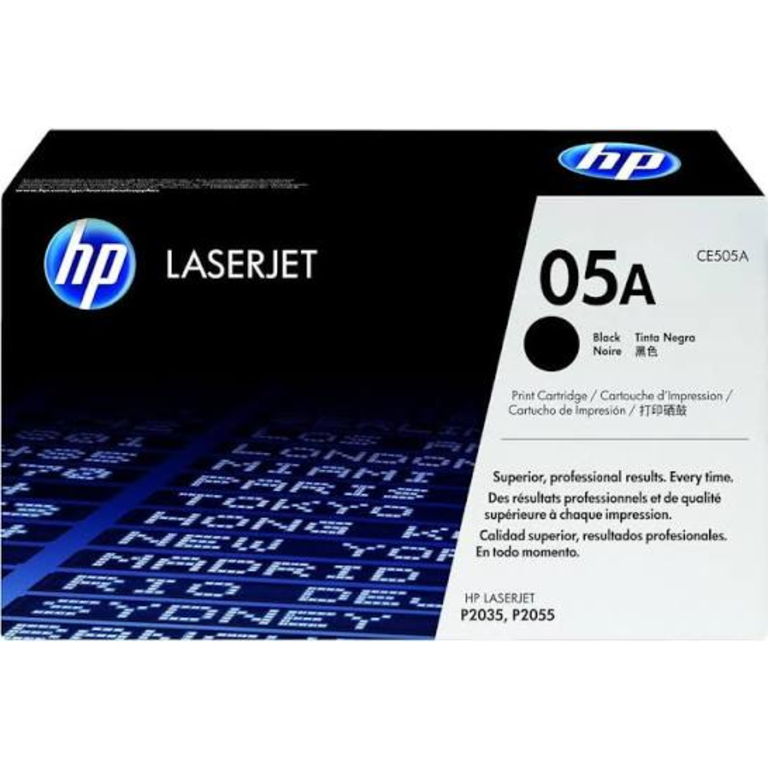
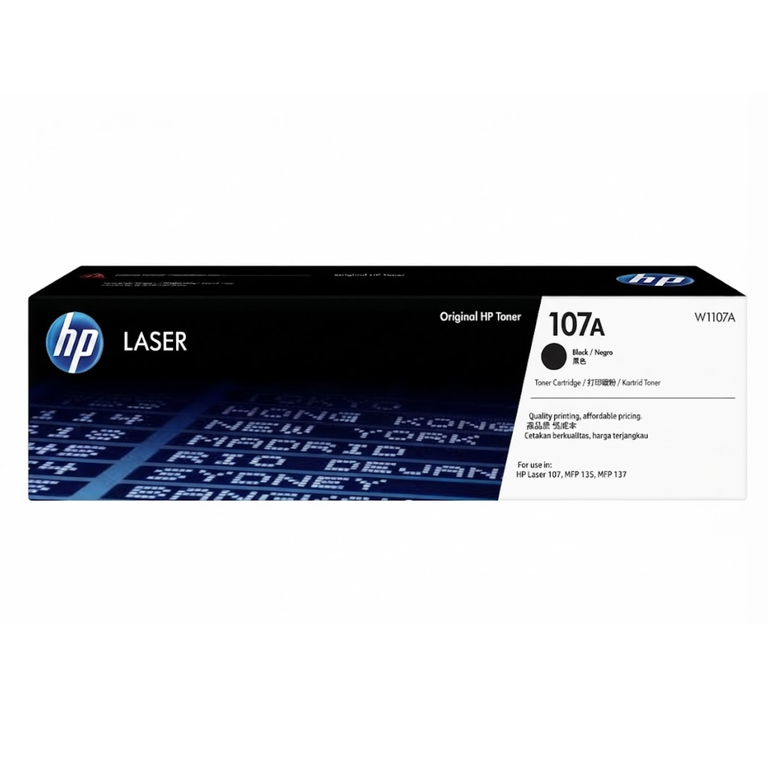
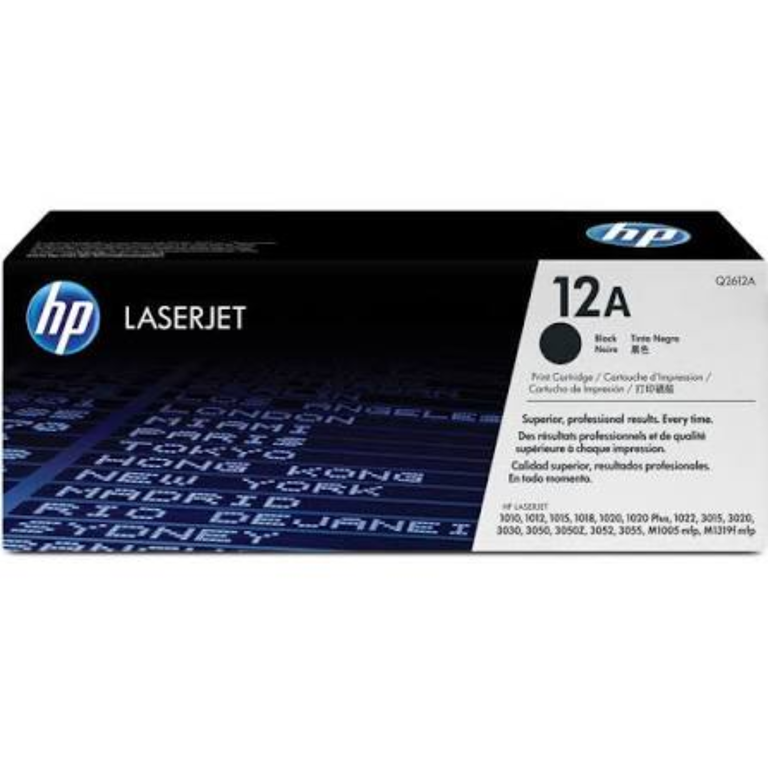
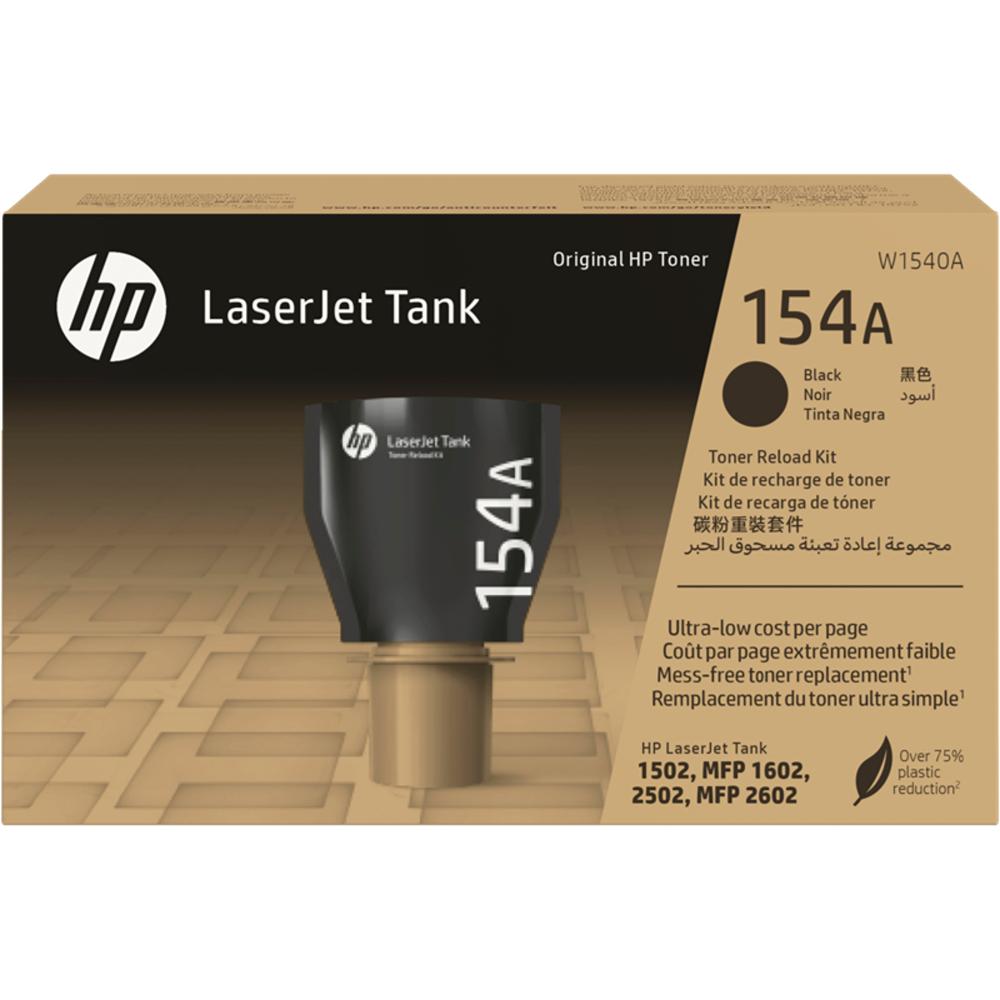
.jpg)

Buying the wrong toner is the most common printer mistake we see at our counter. The cartridge looks almost the same, the box looks almost the same, and it still does not fit. This guide shows you how to find the exact cartridge your printer needs before you order.
Step 1: find your printer's exact model
Look at the front or top of the printer for the full model name, for example HP LaserJet Pro M404dn or Canon i-SENSYS MF237w. The short name is not enough. An HP M404 and an HP M402 look like twins, but they take different cartridges.
If the name on the front has worn off, check the sticker on the back or underneath the printer. It shows the model and serial number.
Step 2: find the cartridge number
Open the front door and pull the old cartridge out. The number is printed on its label. You can also find it:
- on a sticker inside the front door,
- on the printer's supplies status page (print it from the printer menu),
- in the box the printer came in, on the starter cartridge.
HP cartridges have two names for the same thing: a short one (59A) and a long one (CF259A). Either one is correct when you order.
Popular toners and the printers they fit
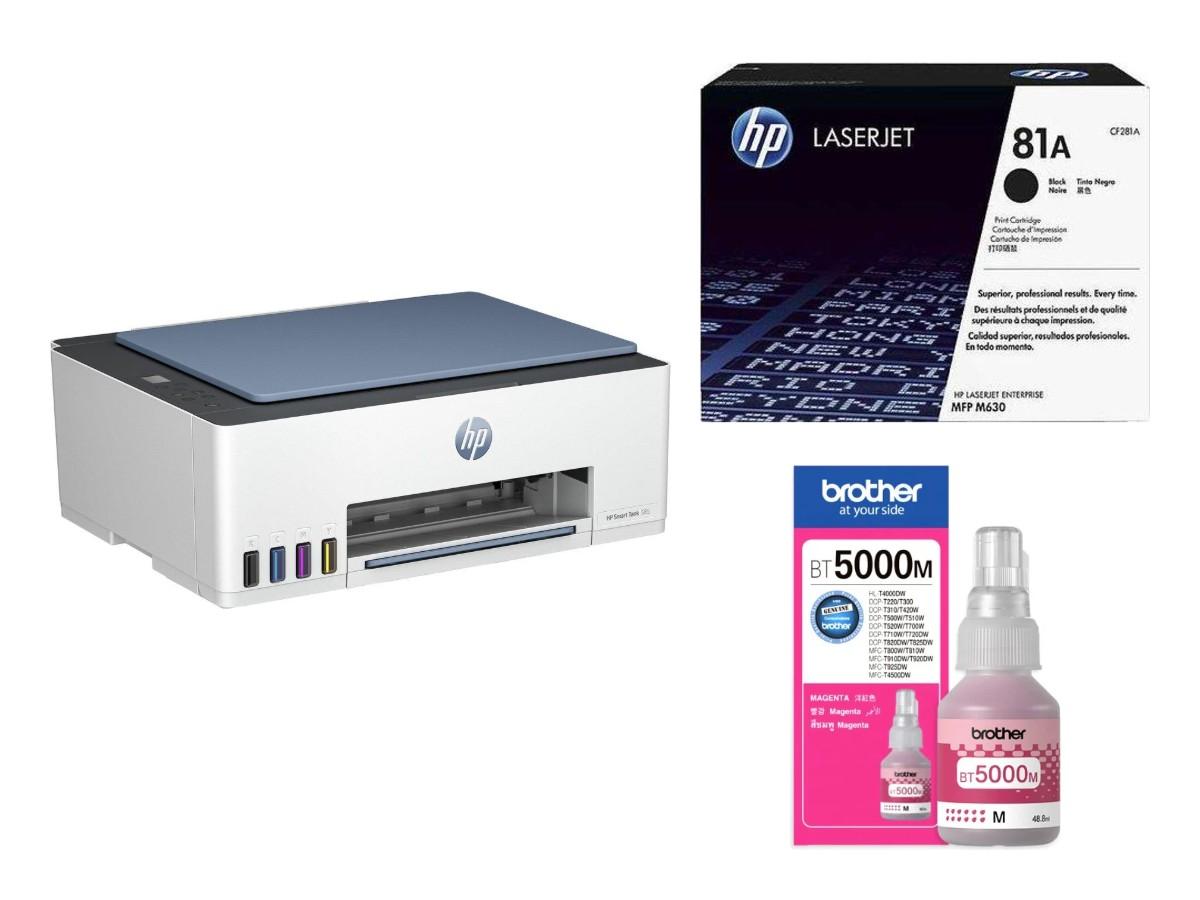
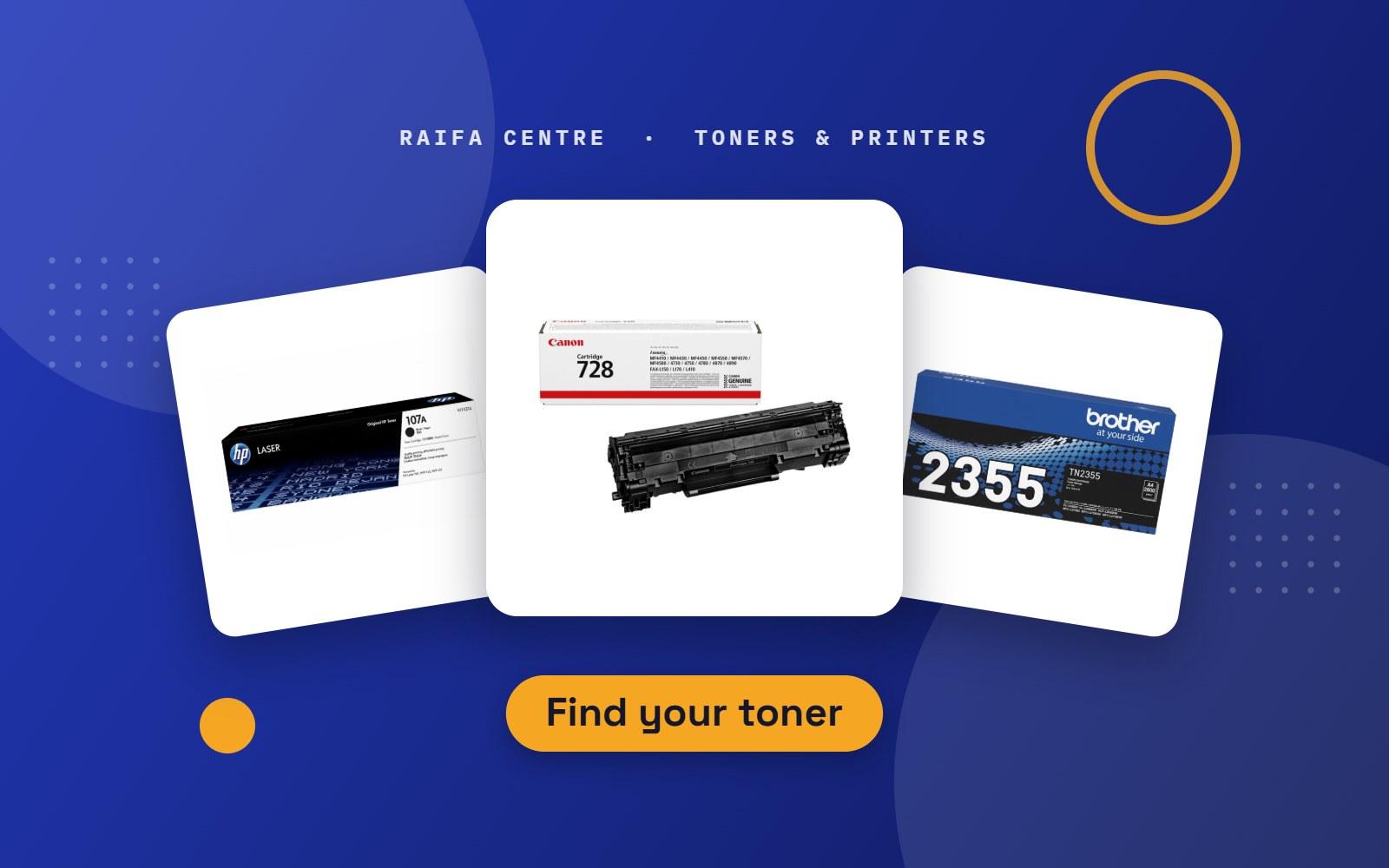
These are cartridges our customers ask for most. All of them are in our shop. Always match the number on your old cartridge before you buy.
| Toner | Fits these printers |
|---|---|
| HP 107A | HP Laser 107a, 107w, MFP 135a, 135w, 137fnw |
| HP 12A | HP LaserJet 1010, 1012, 1015, 1018, 1020, 1022 |
| HP 85A | HP LaserJet Pro P1102, P1102w, M1132, M1212nf |
| HP 83A | HP LaserJet Pro MFP M125, M127, M201, M225 |
| HP 26A | HP LaserJet Pro M402, MFP M426 |
| HP 59A | HP LaserJet Pro M404, MFP M428 |
| HP 117A (4 colours) | HP Color Laser 150a, 150nw, MFP 178nw, 179fnw |
| HP 207A (4 colours) | HP Color LaserJet Pro M255, MFP M282, M283 |
| HP 415A (4 colours) | HP Color LaserJet Pro M454, MFP M479 |
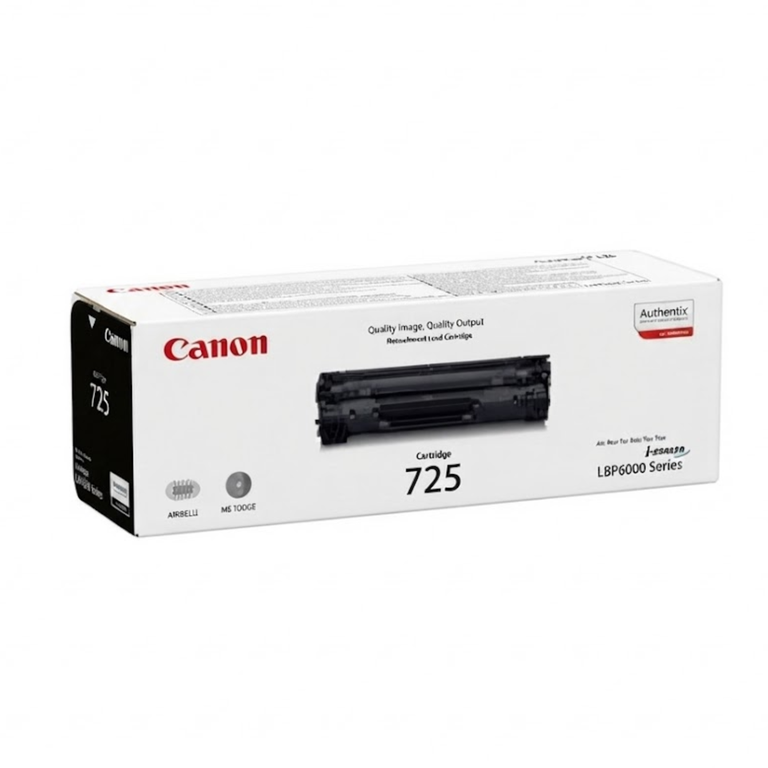
| Canon 725 | Canon LBP6000, LBP6030, MF3010 |
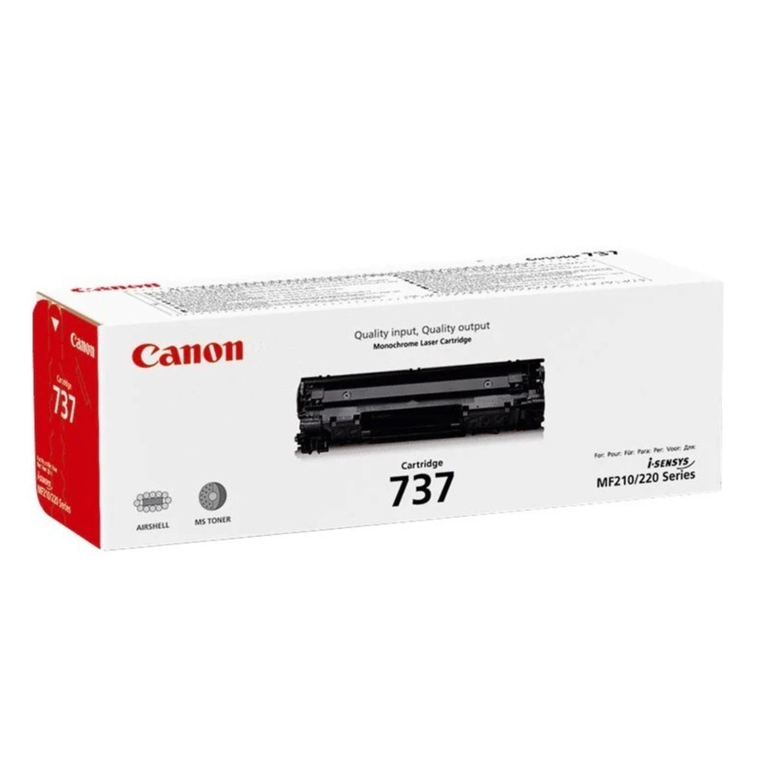
| Canon 737 | Canon MF211, MF212w, MF216n, MF226dn, MF229dw |
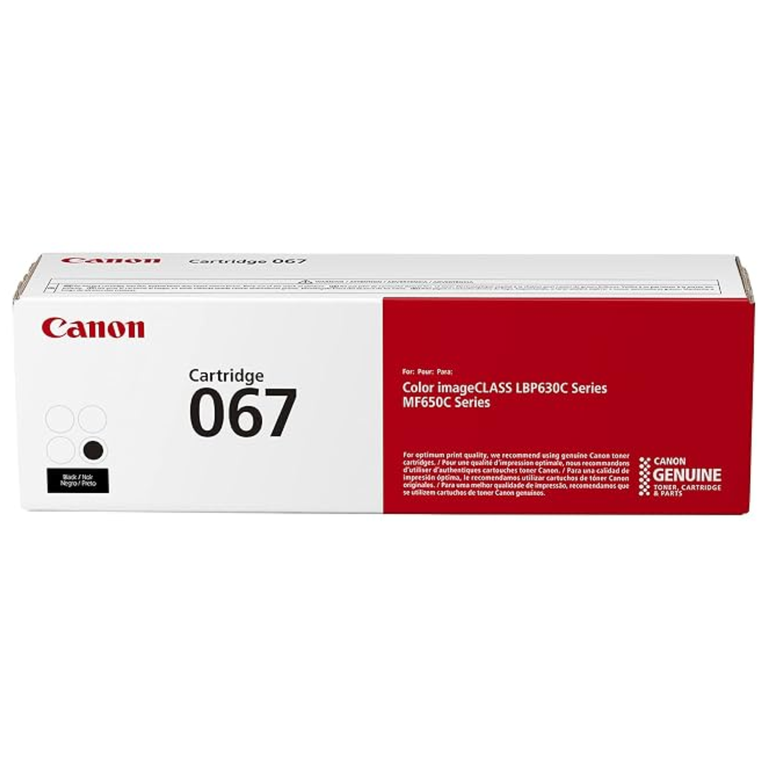
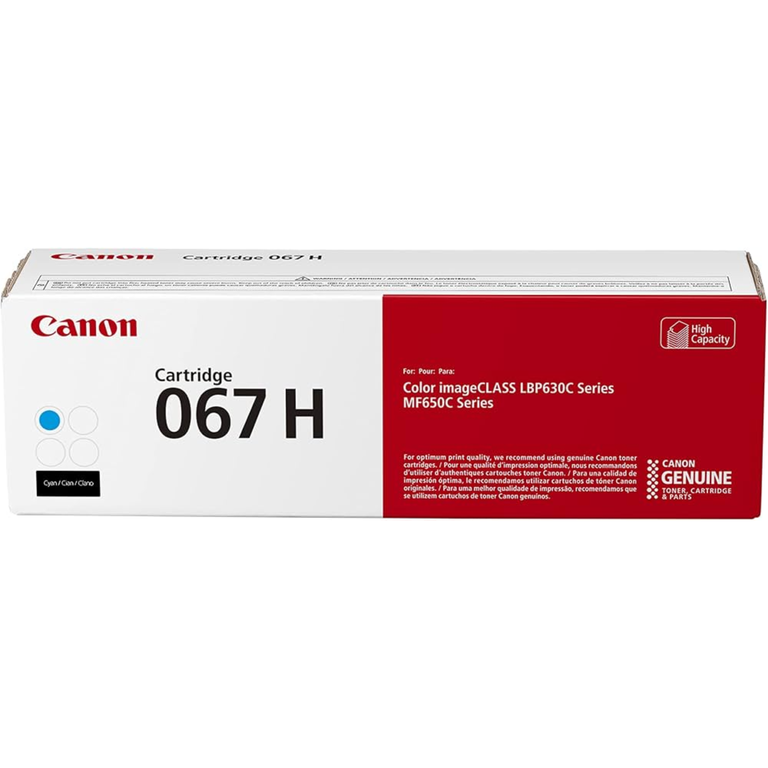
| Canon 067 (4 colours) | Canon LBP631Cw, LBP633Cdw, MF651Cw, MF655Cdw |
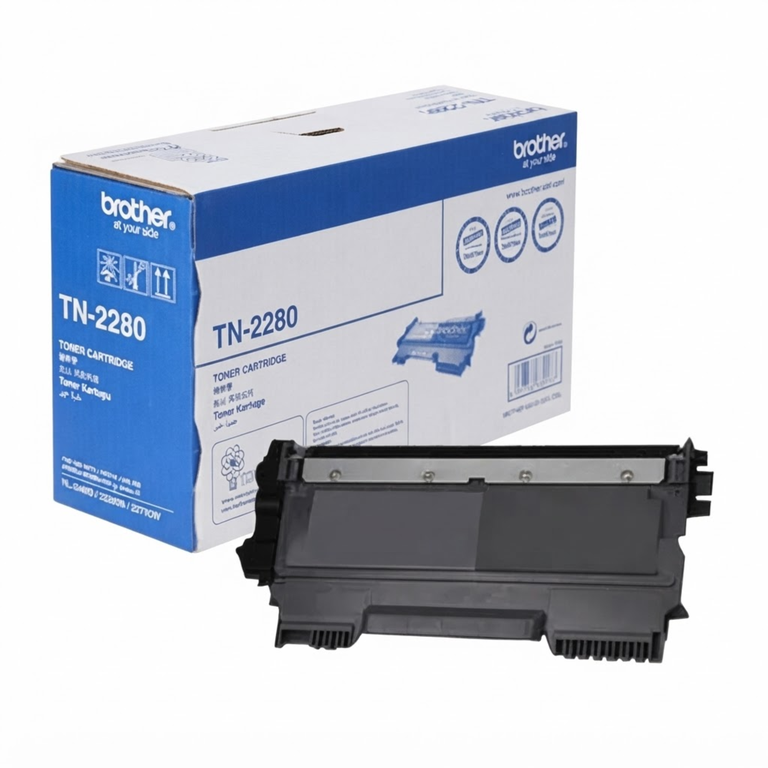
| Brother TN-2280 | Brother HL-2240D, HL-2270DW, DCP-7060D, MFC-7360N |
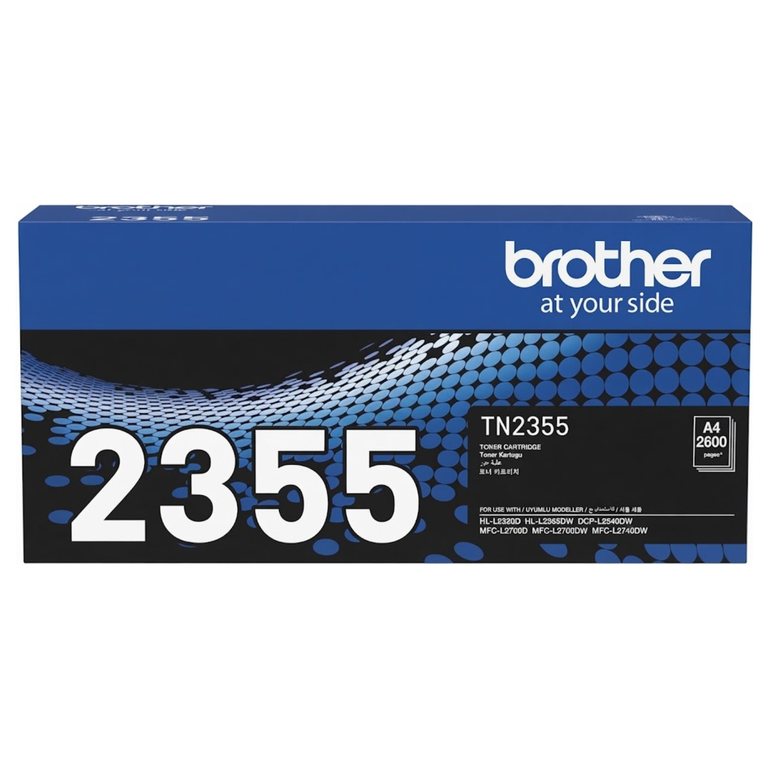
| Brother TN-2355 | Brother HL-L2320D, HL-L2365DW, DCP-L2540DW, MFC-L2700DW |
What do A and X mean on HP toner?
Many HP cartridges come in two sizes. A is the standard cartridge. X is the high-yield cartridge: it fits the same printer and prints roughly twice as many pages. The X costs more per cartridge but usually less per page, so it is the better choice for a busy office printer. For a printer that prints a few pages a week, the A is enough.
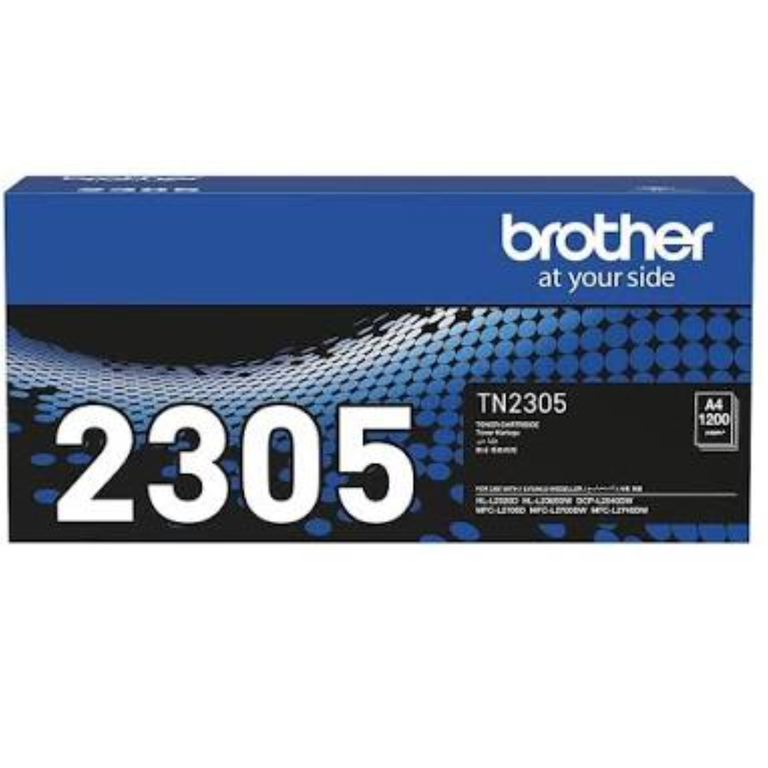
Brother works the same way with different numbers. TN-2305 is the standard size and TN-2355 is the high-yield size for the same printers.
Colour printers need four cartridges
A colour laser printer uses black, cyan, magenta and yellow. You do not have to replace all four together. Replace only the colour the printer says is empty. Black usually finishes first because every page of text uses it.
Brother printers: toner and drum are separate
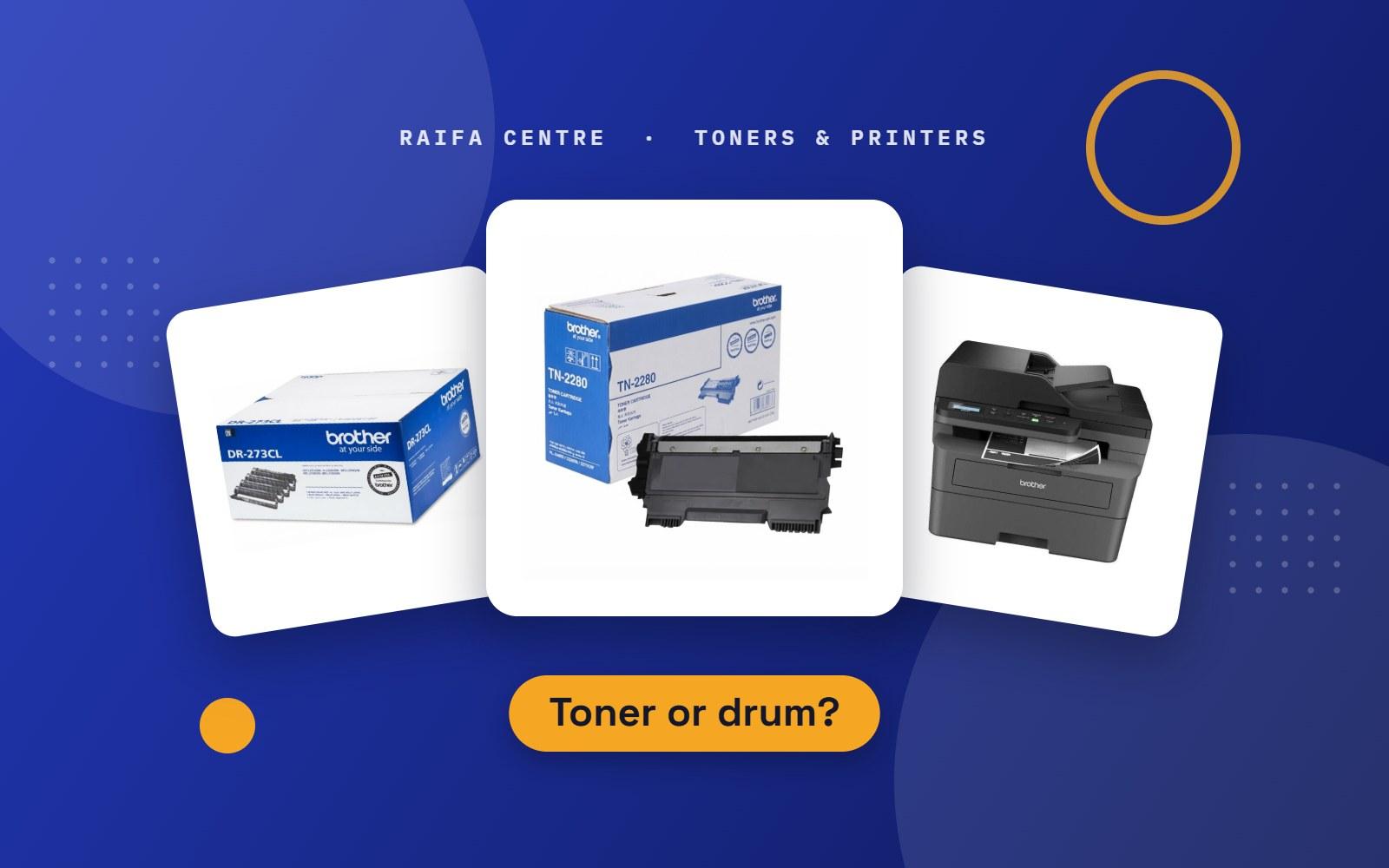
In most HP and Canon cartridges the drum is built into the toner cartridge. Brother printers use two parts: a toner cartridge (TN) and a drum unit (DR). You change the toner several times before the drum needs changing. If your Brother printer says "Replace Drum", a new toner will not clear the message. We keep drum units as well.
Office copiers: Kyocera, Ricoh, Konica Minolta and Canon
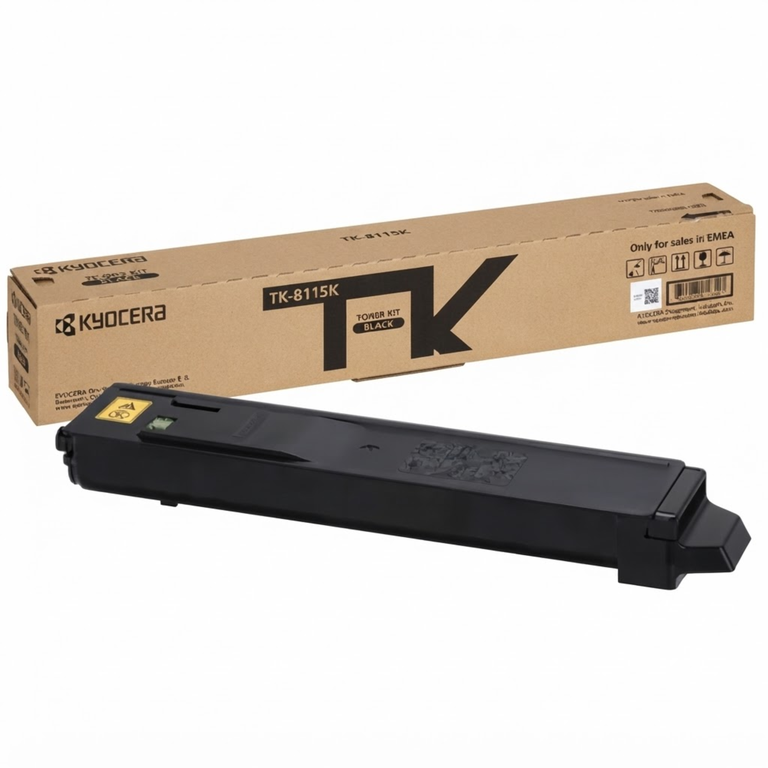
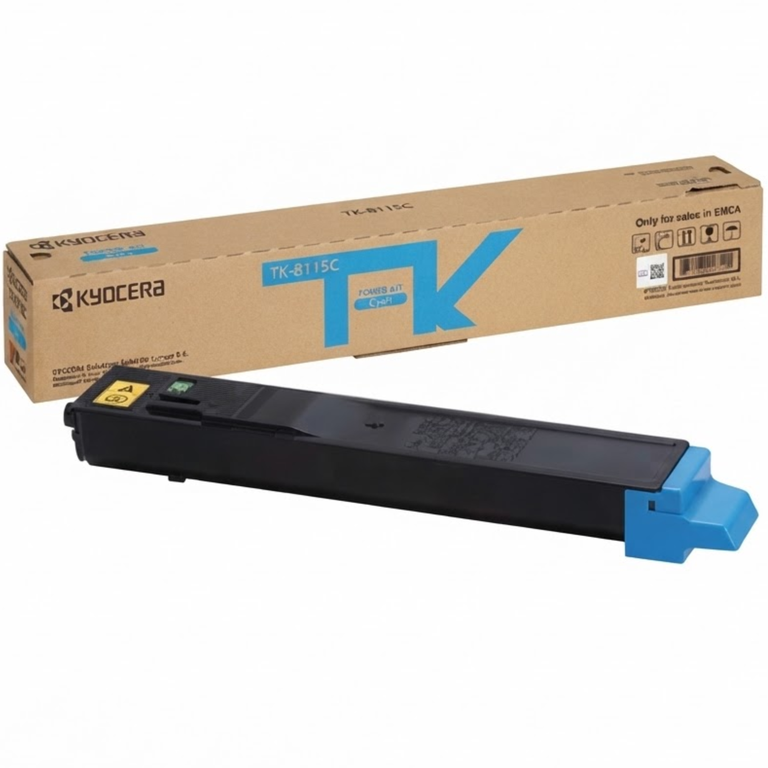
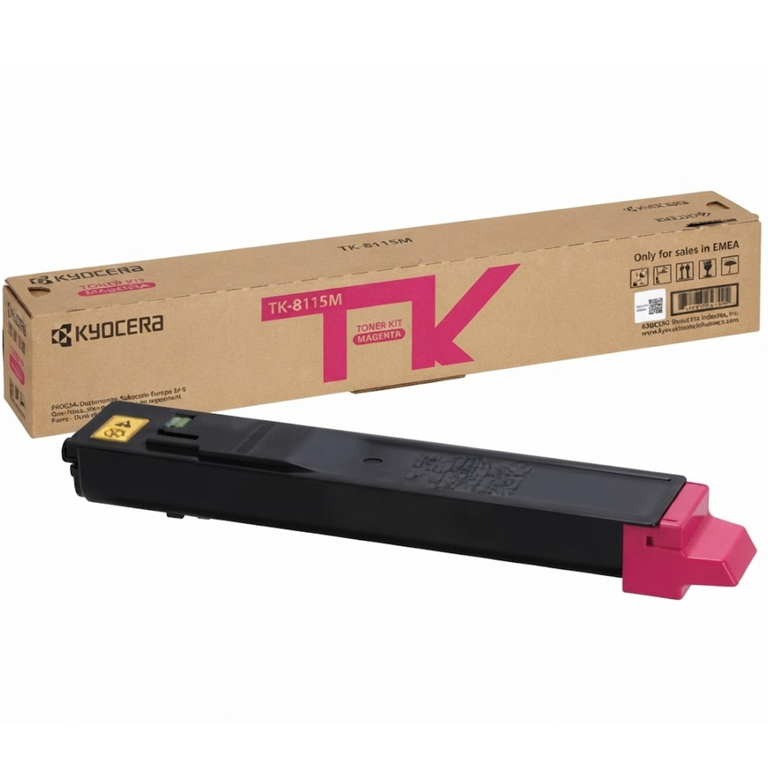
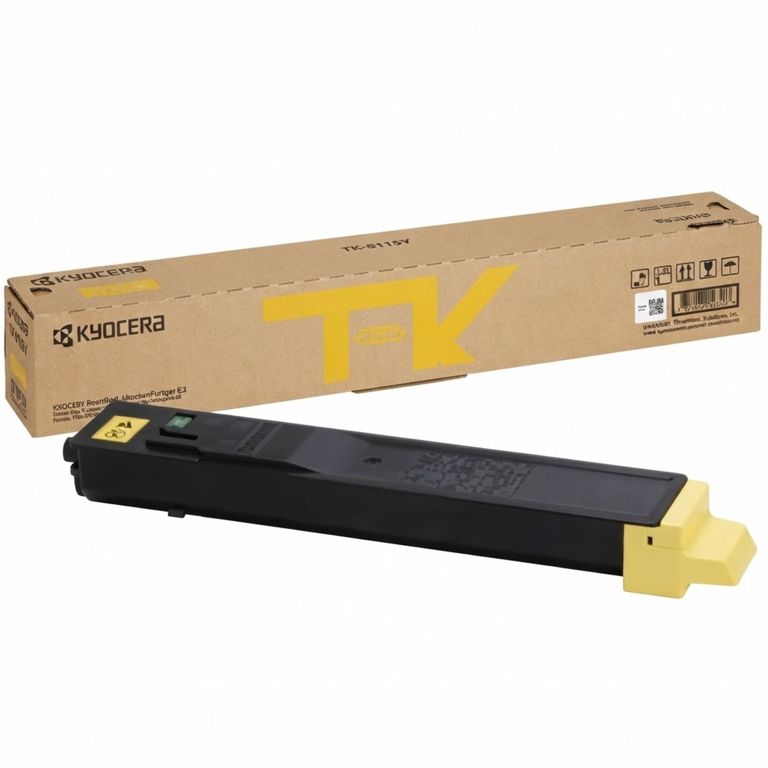
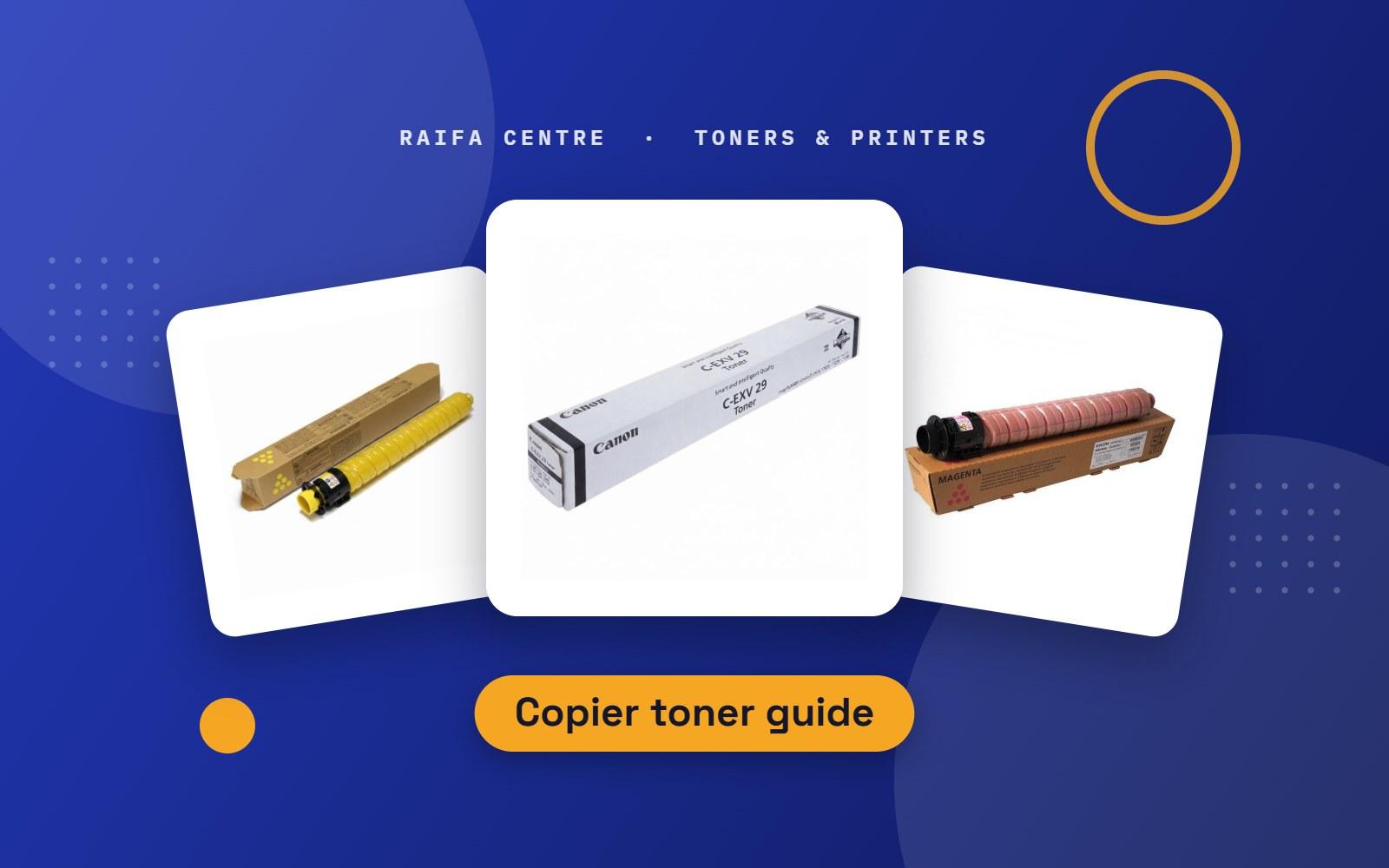
We also stock toner for larger office copiers, including Kyocera TK, Ricoh IM C, Konica Minolta TN and Canon C-EXV cartridges. Copier toners are very model-specific, so send us the model from the front panel and we will confirm the right one.
Still not sure?
Take a photo of the label on your old cartridge, or of the model name on the printer, and send it to us on WhatsApp. We will reply with the exact toner and the price. You can browse everything in Printers & Toners in the shop.