.jpg)


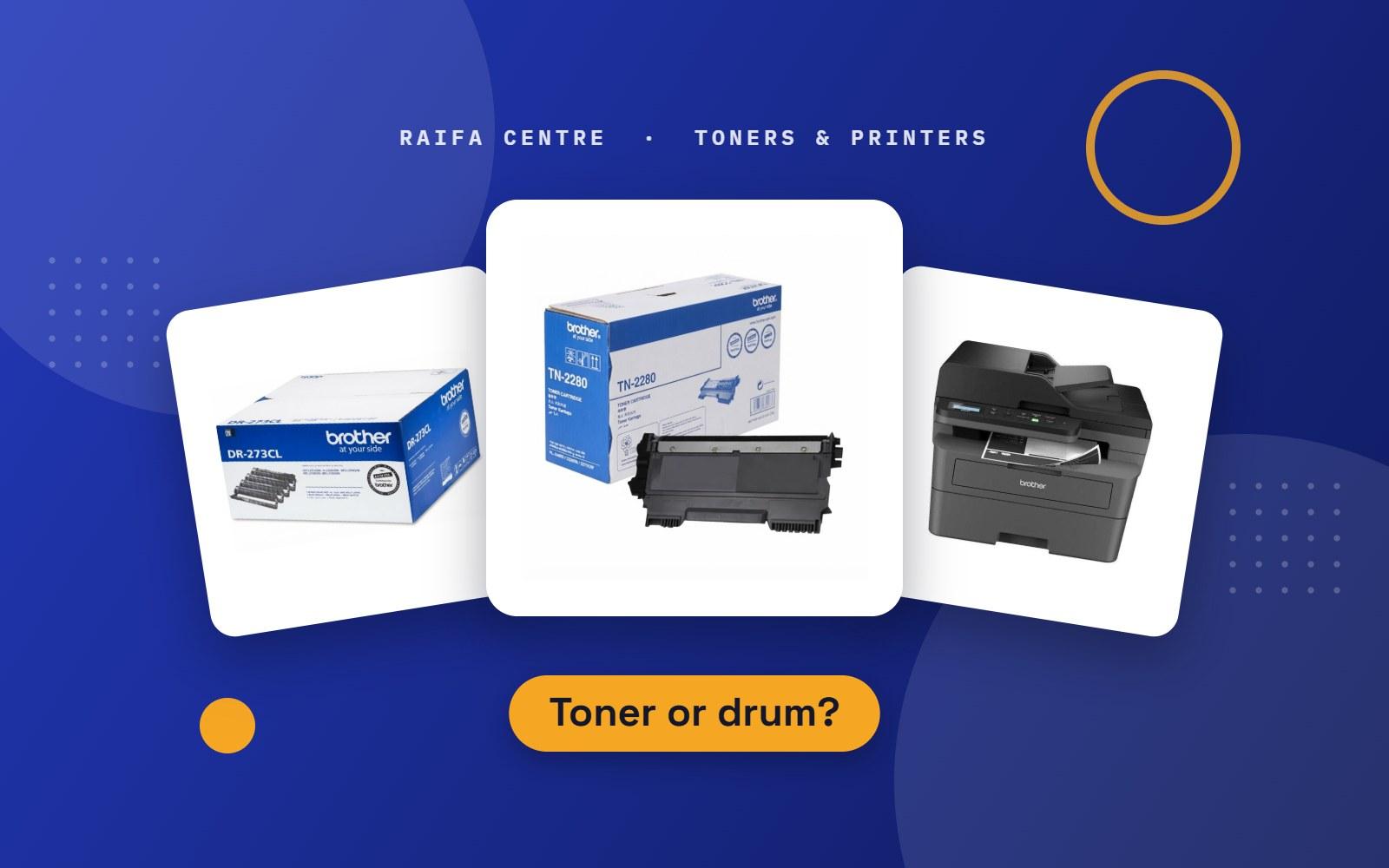
Many laser printers have two parts that wear out: the toner and the drum. They sit together inside the printer, the boxes look alike, and people often buy the wrong one. This guide explains the difference in simple words.
What each part does
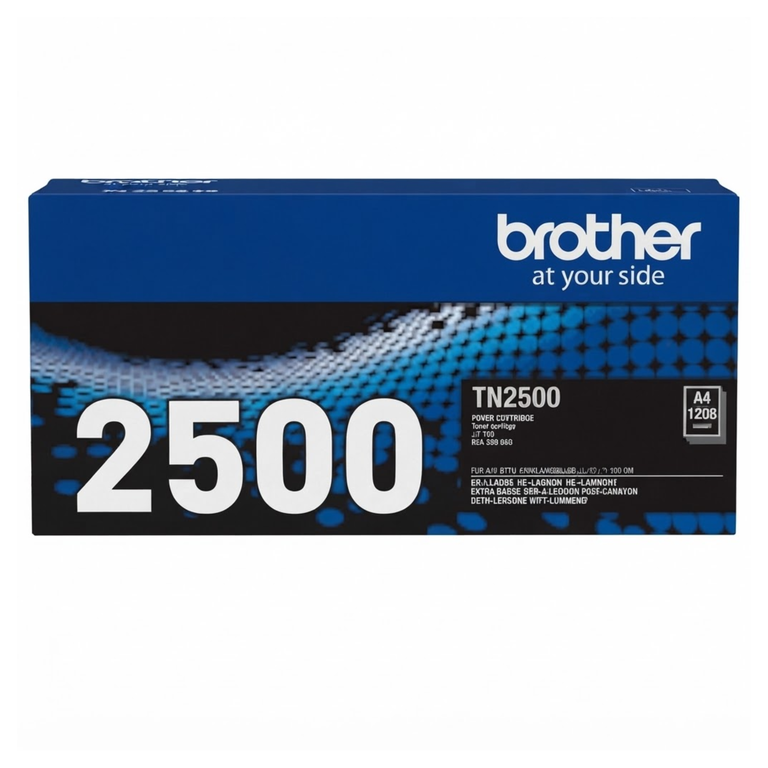
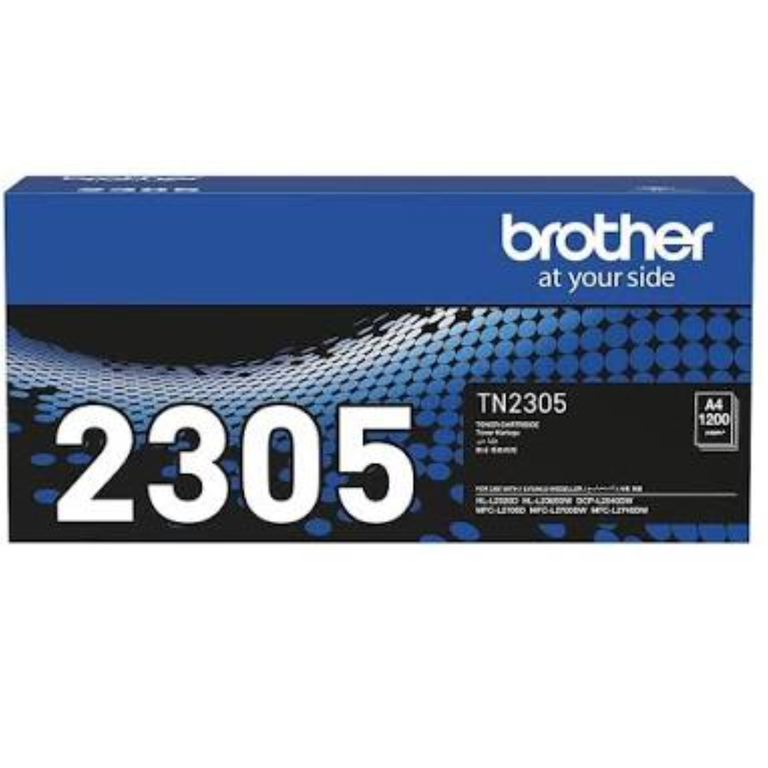
- Toner cartridge: holds the black or colour powder. It runs out as you print.
- Drum unit: the roller that puts the powder onto the paper. It does not run out, but its surface wears down after many thousands of pages.
A drum normally lasts for several toners. So most of the time you only need a new toner.
Which printers have a separate drum?
| Printer | Toner and drum |
|---|---|
| Brother laser printers | Two separate parts. Toner numbers start with TN, drum numbers start with DR. |
| Most small HP and Canon laser printers | The drum is built into the toner cartridge, so you change both together. |
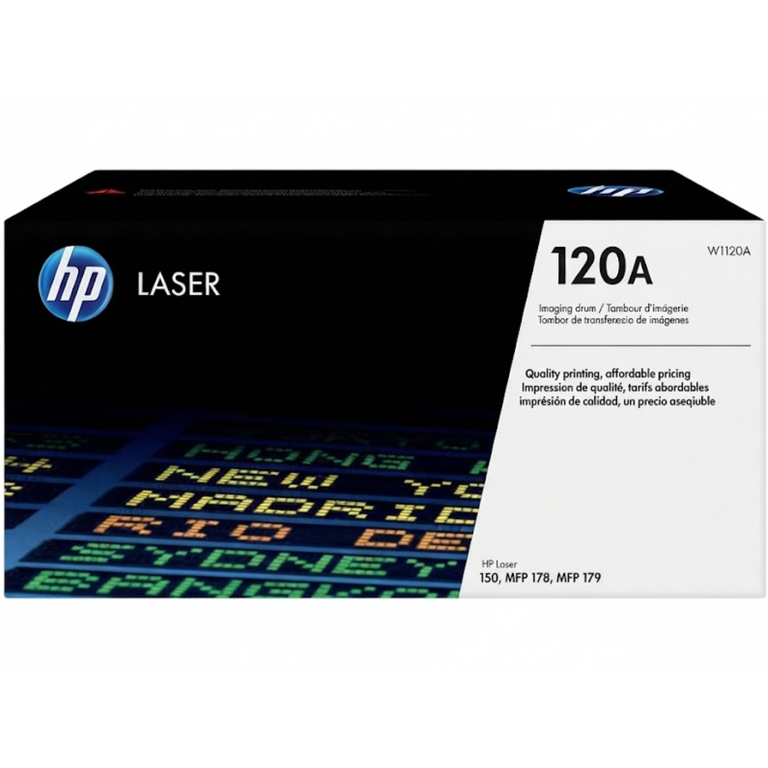
| Some newer HP models | A separate imaging drum, sold on its own. |
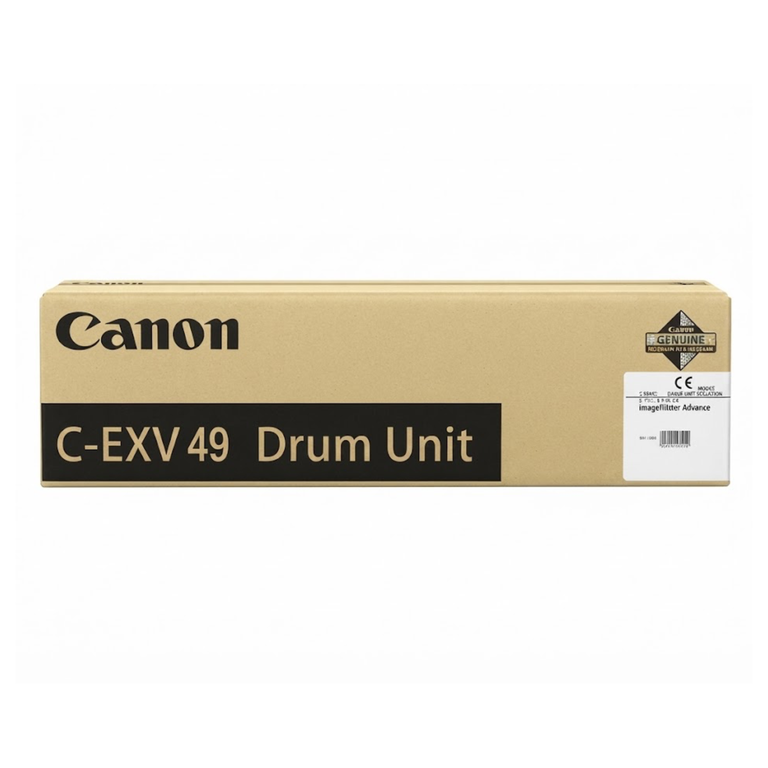
| Office photocopiers | Separate drum units, changed much less often than toner. |
Not sure which you have? Open the front cover and pull out the cartridge. On a Brother printer the toner sits inside a larger frame. That frame is the drum unit. Press the lock lever to lift the toner out of it.
Signs you need toner
- The printer shows "Toner Low" or "Replace Toner".
- The print is light or faded across the whole page.
Before you buy, try the quick checks in faded or streaky prints: 7 fixes.
Signs you need a drum
- The printer shows "Drum End Soon" or "Replace Drum".
- A black line or grey band runs down the page, and it is still there after you fit a new toner.
- Dots or marks repeat at the same distance down the page.
- The whole page has a grey background.
On many Brother printers you can clear a black line without buying anything. Take out the drum unit and slide the small coloured tab on it from side to side a few times. Then put the tab back in its starting position. This cleans the wire inside the drum.
How to buy the right part
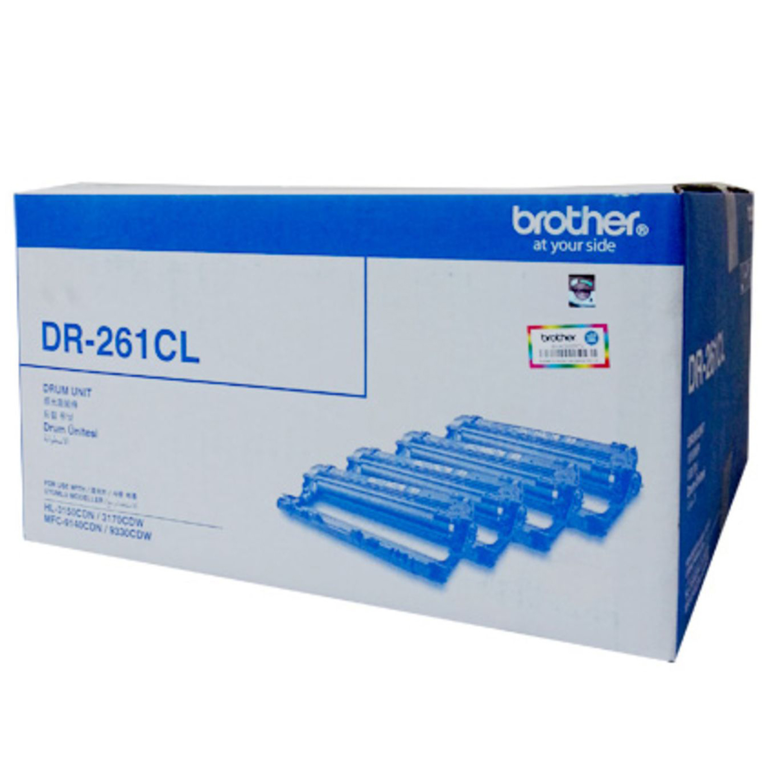
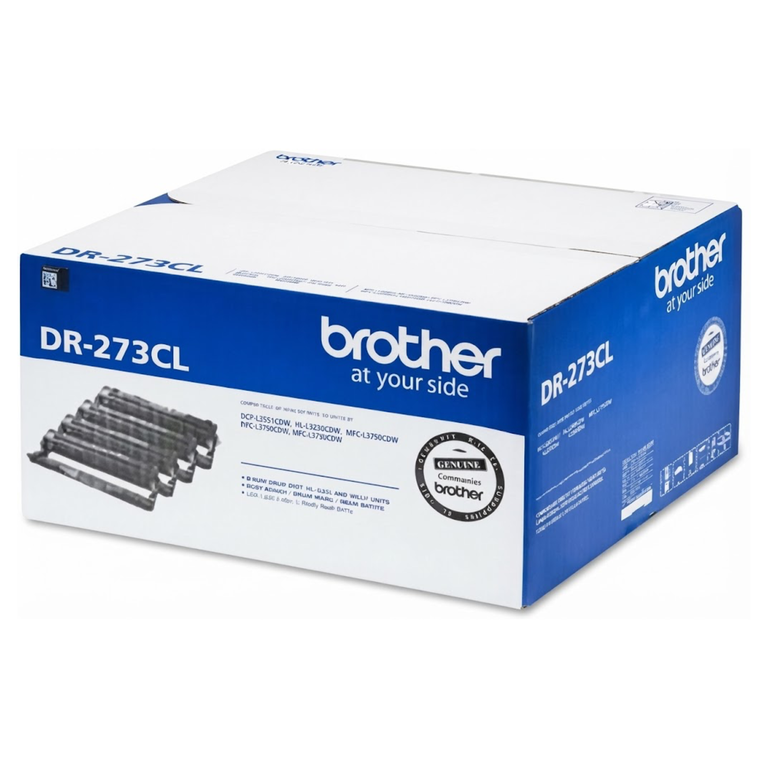
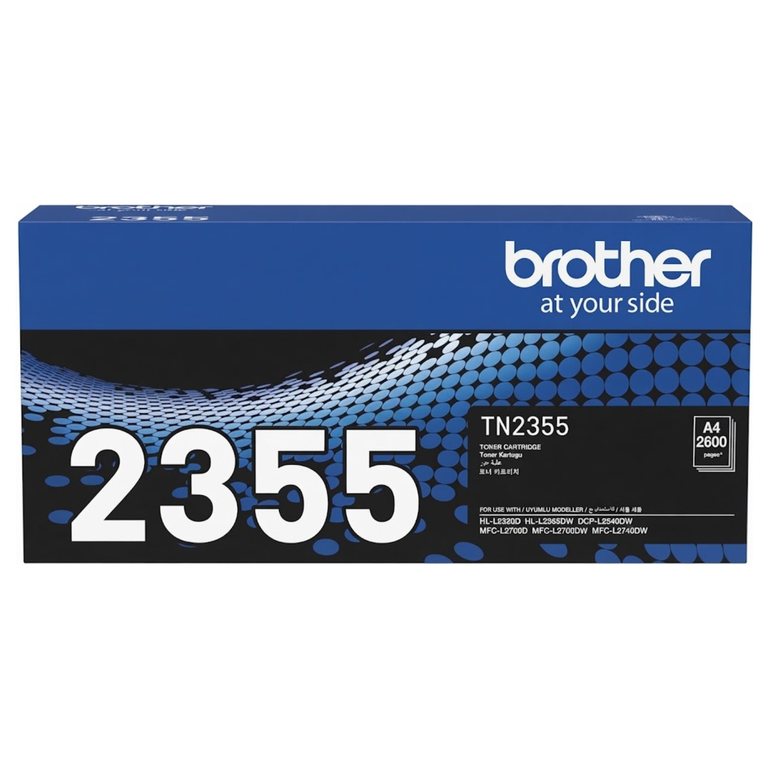
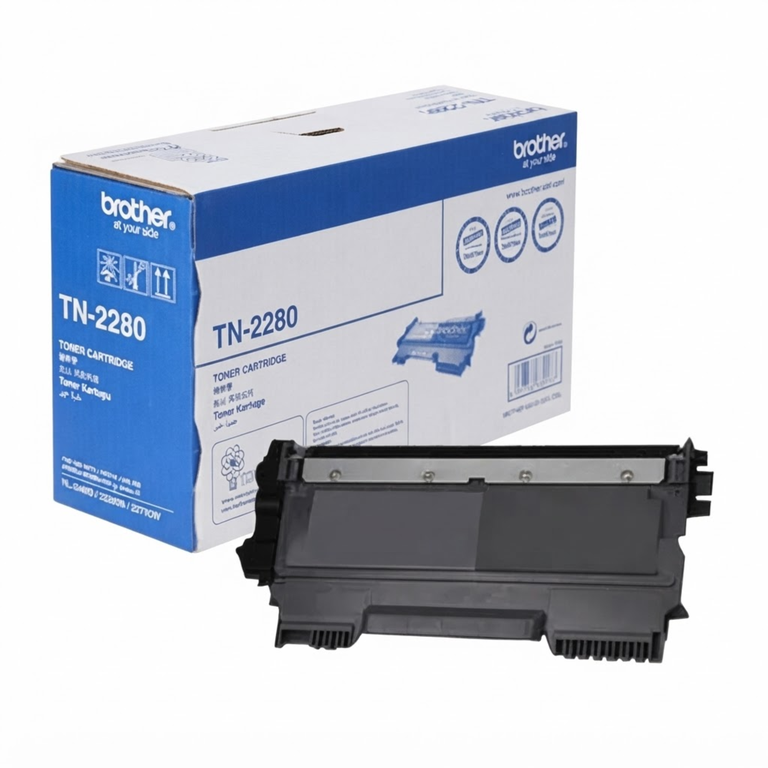
- Read the number on the old part. Brother toners are marked TN and drums are marked DR, for example DR-2305 or DR-2255. Colour printers use drums such as DR-261CL or DR-273CL.
- Do not guess one number from the other. The toner number and the drum number for the same printer are often different. Match each one from the old part or from the printer manual.
- Reset the drum counter. After you fit a new Brother drum, follow the reset steps on the sheet in the box. If you skip this, the printer keeps showing the drum message.
- Handle the drum with care. Do not touch the shiny roller, and do not leave it in bright light.
To choose between original and compatible parts, read original or compatible toner. For toner numbers by brand, see which toner does my printer use.
Order toner or a drum
See our Brother drum units, Brother toners and all printers and toners. If you are not sure, send us a photo of the label on your old toner or drum on WhatsApp and we will match it. Raifa Centre is in Doha, delivers across Qatar and accepts cash on delivery.